
How to upscale AI images without losing quality
AI-generated images are everywhere: digital art, concept design, blog illustrations, social media visuals, and even print-ready posters. Yet many AI images are created at relatively low resolutions to save time, computing power, or cost. When those images need to be enlarged, simple resizing often leads to blur, artifacts, or unnatural textures. Upscaling AI images without losing quality is therefore a critical skill for anyone working with AI art.
This guide explains how AI image upscaling works, why traditional resizing fails, and how modern tools and workflows can preserve detail while increasing resolution. It moves from beginner-friendly concepts to more advanced techniques used by professionals.
What image upscaling really means
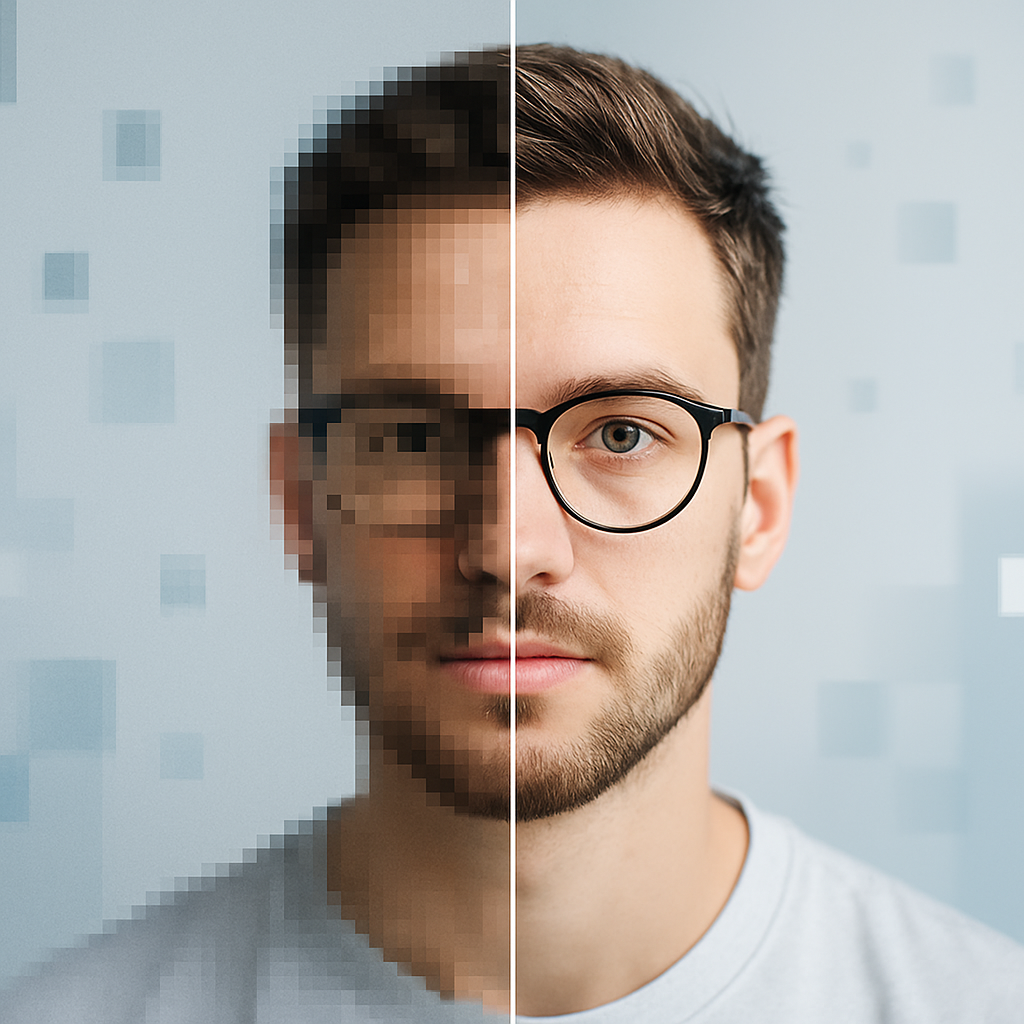
Upscaling is the process of increasing an image’s pixel dimensions. A 512×512 image scaled to 2048×2048 contains sixteen times more pixels than the original. The challenge is that those extra pixels do not exist in the source file. They must be reconstructed.
Traditional image scaling relies on interpolation methods such as nearest neighbor, bilinear, or bicubic scaling. These techniques calculate new pixel values based on nearby pixels. While fast, they cannot invent new details. The result is often softness, jagged edges, or washed-out textures.
AI upscaling is fundamentally different. Instead of merely interpolating pixels, it predicts what the missing details should look like based on patterns learned from large datasets. This distinction is the foundation of high-quality upscaling.
Why AI-generated images need special handling
AI images often contain characteristics that make upscaling harder than photographs:
- Stylized textures and brush-like patterns
- Fine line art and sharp edges
- Repetitive or abstract details
- Non-photorealistic lighting and shading
A generic photo upscaler may oversmooth these features or introduce artifacts that were never part of the original design. For this reason, selecting the right model and workflow is as important as the resolution target.
How AI upscalers preserve detail
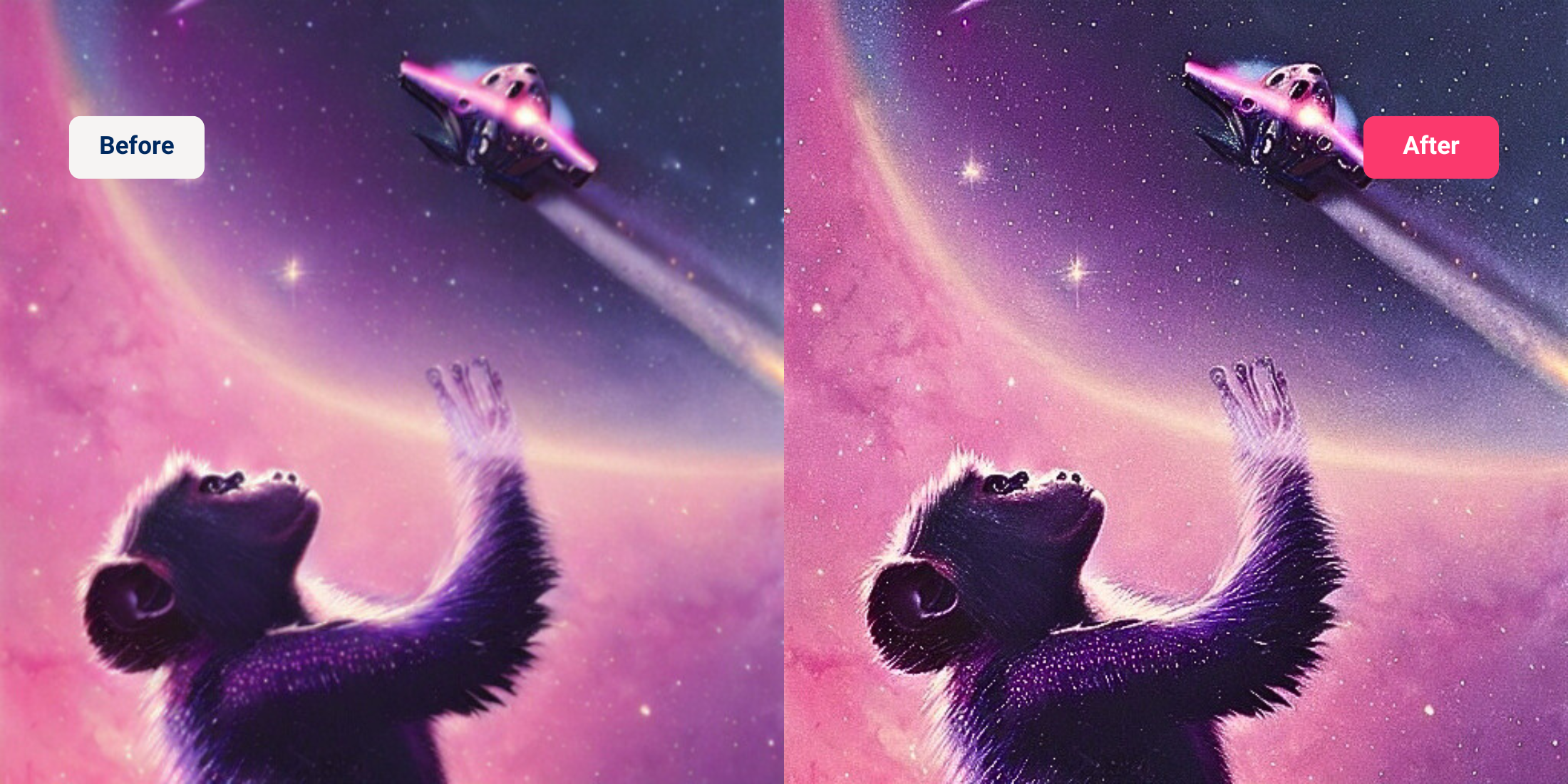
Modern AI upscalers use deep learning models trained on millions of images. These models learn relationships between low-resolution inputs and high-resolution outputs. When an image is upscaled, the model reconstructs edges, textures, and gradients in a way that appears natural to the human eye.
Most high-quality upscalers rely on variations of super-resolution neural networks, including GAN-based approaches and diffusion-inspired refinements. Rather than guessing randomly, the model uses learned visual priors to generate plausible detail.
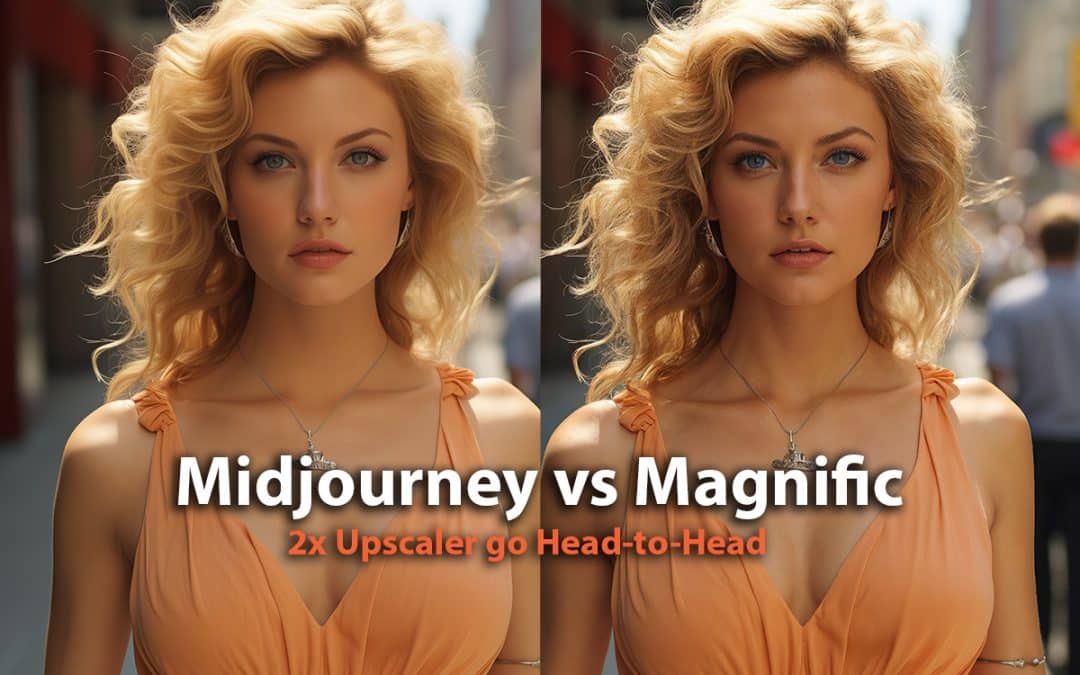
This is why AI upscaling can sharpen eyes in portraits, restore texture in clothing, or refine line art without turning everything into noise.
Choosing the right upscaling tool
Different tools are optimized for different types of images. Using the wrong one can reduce quality instead of improving it.
Dedicated AI upscalers
Dedicated upscaling software focuses exclusively on resolution enhancement. A widely used example is Topaz Gigapixel AI, which offers multiple models tuned for photographs, illustrations, and digital art. These tools often allow control over noise reduction, sharpening, and artifact suppression.
They are well suited for:
- Final exports
- Print-ready images
- High-resolution wallpapers or posters
Integrated AI workflows
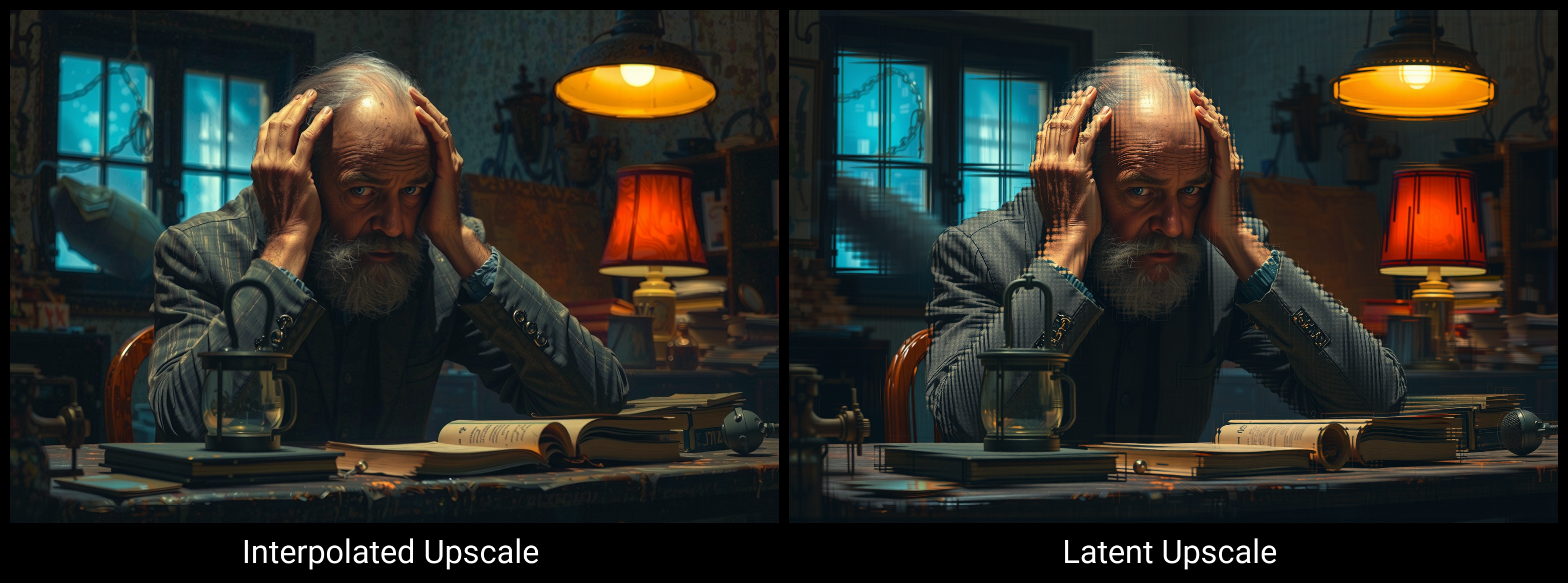
Some AI image generation pipelines include built-in upscaling. For example, workflows based on Stable Diffusion often use latent upscaling, where the image is refined internally before being decoded at a higher resolution. This approach preserves stylistic consistency better than post-processing alone.
Latent upscaling is ideal when:
- You want to keep the original generation style intact
- You plan to refine details during upscaling
- You are already working inside an AI generation environment
Traditional software with AI features
General image editors such as Adobe Photoshop now include AI-assisted resizing and enhancement tools. While powerful, these features are usually best used as part of a broader workflow rather than as a one-click solution.
They work best for:
- Minor resolution increases
- Touch-ups after AI upscaling
- Combining AI art with photographic elements
Best practices for loss-free upscaling
Upscaling is not a single click if quality matters. The following principles help preserve detail and avoid artifacts.
Upscale in stages
Jumping directly from a small image to a very large one increases the risk of hallucinated details and visual errors. Instead, upscale gradually.
A common approach is:
- 2× upscaling
- Inspect and correct artifacts
- Another 2× upscaling if needed
This staged process allows better control and cleaner results.
Match the model to the image style
Many AI upscalers offer different models for photos, illustrations, and anime-style art. Selecting the correct model dramatically improves results.
For example:
- Use illustration-focused models for line art
- Use photo-realistic models for portraits
- Avoid aggressive sharpening for painterly styles
Avoid excessive sharpening
Sharpening can enhance perceived detail, but overuse creates halos and noise. AI upscalers already introduce micro-contrast. Any additional sharpening should be subtle and intentional.
Preserve the original color space
Color shifts can occur during aggressive upscaling. Working in a consistent color space and avoiding unnecessary conversions helps maintain tonal accuracy, especially for print or professional use.
Advanced techniques for professional results


Latent upscaling during generation
Some AI artists prefer to upscale while the image is still in latent form, rather than after it has been fully rendered. Latent upscaling preserves structure and composition more effectively because the model refines the image before pixels are finalized.
This technique is common in advanced Stable Diffusion workflows and is especially effective for large, complex scenes.
Model-specific upscalers
Open-source solutions such as ESRGAN and its derivatives allow fine-grained control over the upscaling process. Different trained models emphasize realism, smoothness, or texture reconstruction.
These are best suited for users who:
- Want full control over the pipeline
- Are comfortable testing multiple models
- Need consistent results across many images
Combining upscaling with manual refinement
Even the best AI upscaler benefits from human judgment. After upscaling, minor manual adjustments can significantly improve the final image.
Common refinements include:
- Cleaning edges with soft brushes
- Correcting facial features
- Reducing unwanted texture repetition
- Enhancing focal points selectively
This hybrid approach balances automation with artistic control.
Common mistakes that reduce image quality
Many quality issues come not from the upscaler itself, but from incorrect usage.
Frequent mistakes include:
- Upscaling compressed or low-quality source files
- Applying noise reduction and sharpening simultaneously
- Ignoring aspect ratio consistency
- Over-upscaling beyond the image’s logical detail limit
A good rule is to upscale only as much as the image realistically supports. AI can enhance detail, but it cannot create infinite meaningful information.
Practical use cases for high-quality upscaling
Upscaled AI images are used across many industries:
- Bloggers and publishers preparing featured images
- Designers creating print-ready illustrations
- Content creators producing high-resolution thumbnails
- Artists selling digital prints and posters
In each case, maintaining visual credibility is essential. Poor upscaling immediately signals low quality, while clean upscaling blends seamlessly into professional workflows.
Thinking beyond resolution
The most successful AI artists do not treat upscaling as a technical afterthought. They consider resolution from the moment of image generation, choose styles that scale well, and plan the final output size early in the process.
Upscaling is not about making images bigger for the sake of size. It is about translating an idea into a format that holds up under closer inspection, larger screens, and professional standards. When done correctly, the viewer never notices the process at all. They simply see a sharp, coherent image that feels complete.
