

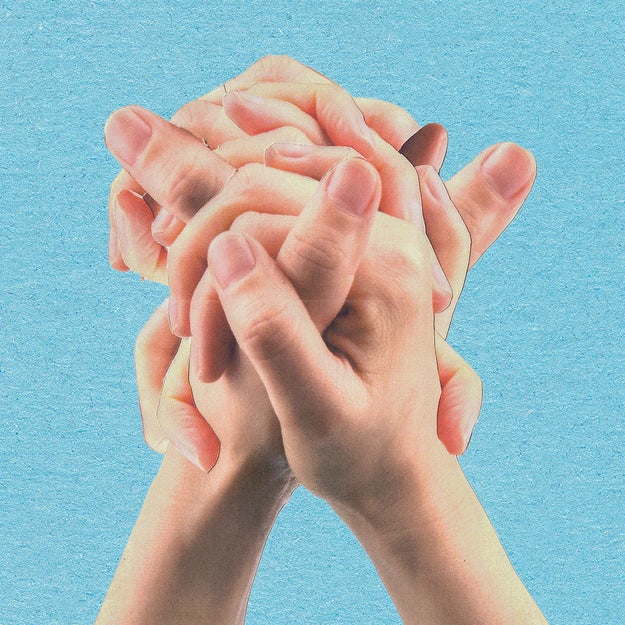
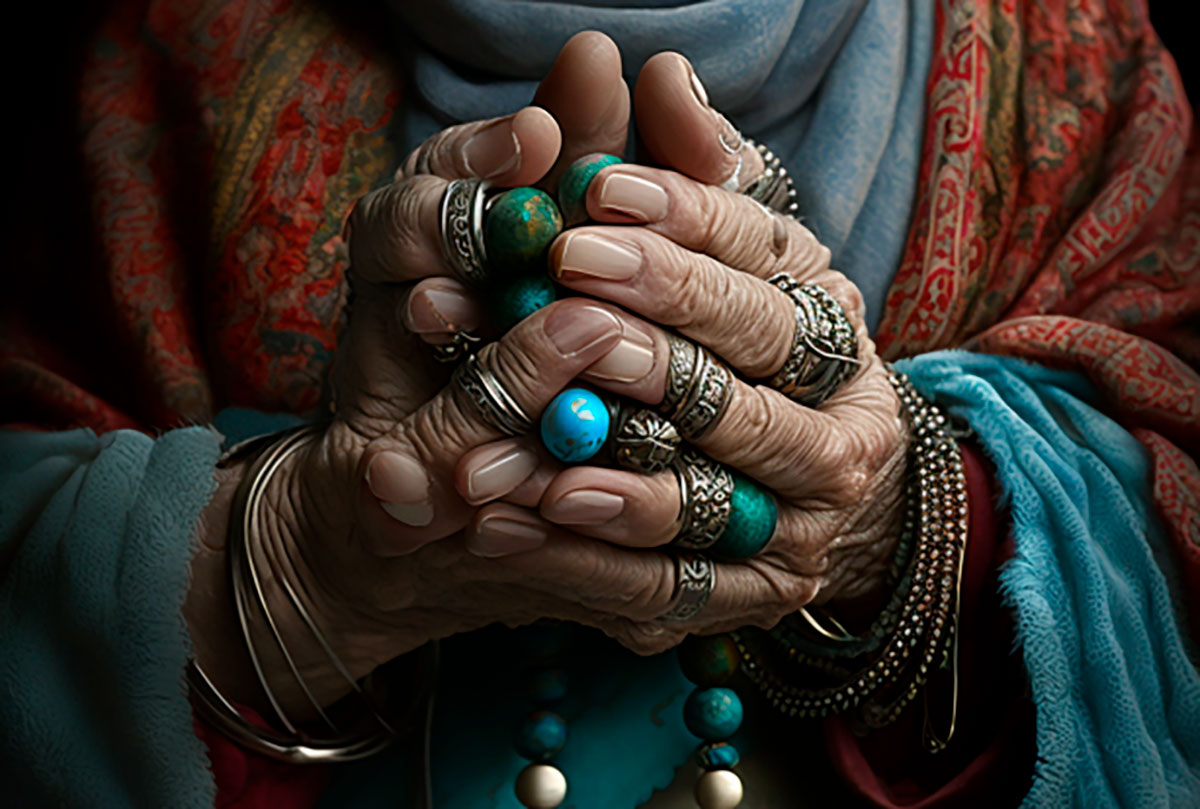
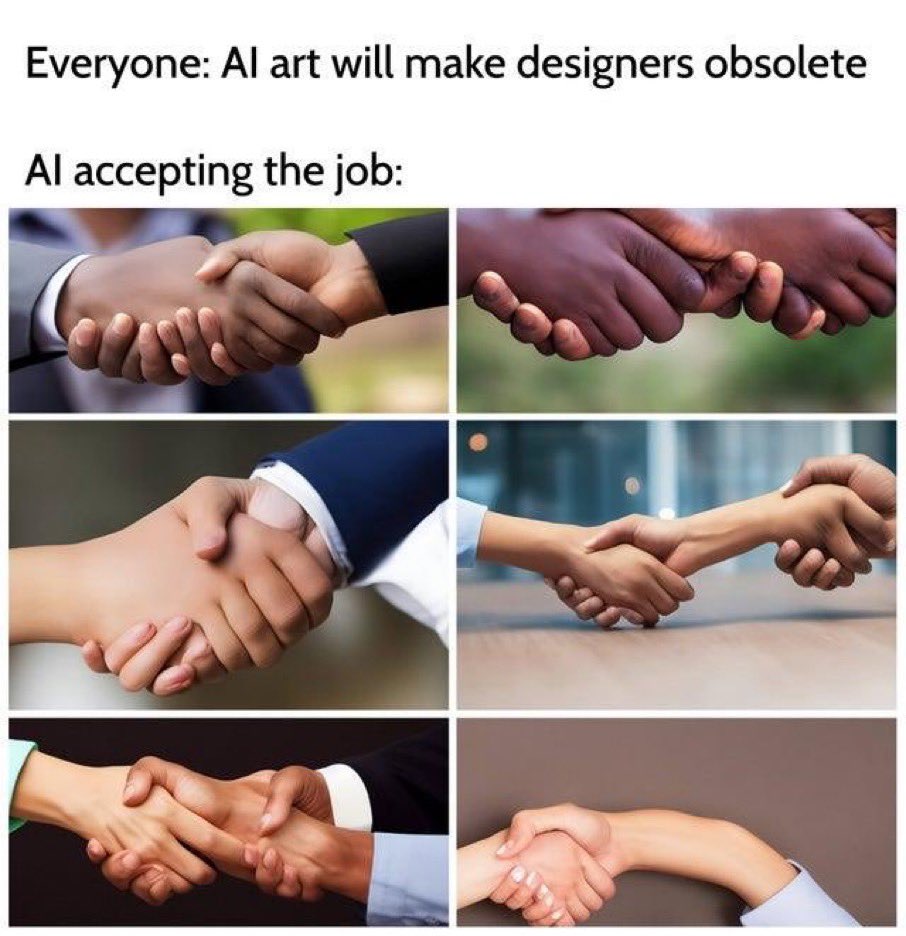
Distorted hands are one of the most common and recognizable flaws in AI-generated art. Even advanced models struggle with finger count, joint placement, and natural poses. The good news is that most hand problems can be reduced or fully fixed with the right techniques, prompts, and post-processing workflow.
Below is a practical, tool-agnostic guide you can apply to almost any AI art generator.
Why AI struggles with hands
Hands are complex structures with many joints, subtle proportions, and extreme pose variability. AI models learn hands from millions of images, but those images are often inconsistent, partially hidden, or distorted themselves. As a result, the model “averages” patterns and produces extra fingers, fused joints, or unnatural angles.
Understanding this limitation helps you design prompts and workflows that guide the model more precisely.
Use clear, anatomy-aware prompts
The simplest improvement comes from explicitly telling the model what you want.
Effective prompt additions:
- “five fingers on each hand”
- “correct hand anatomy”
- “natural hand pose”
- “realistic proportions”
Negative prompts are just as important:
- “extra fingers”
- “deformed hands”
- “mutated fingers”
- “poorly drawn hands”
This works best in models that support negative prompting, especially diffusion-based systems.
Keep hands visible and intentional
Hands that are half-hidden or awkwardly cropped are more likely to break.
Tips:
- Avoid phrases like “hands in motion” unless necessary
- Specify simple poses: “hands resting on table”, “open palm”, “holding a cup”
- If possible, keep hands closer to the center of the frame rather than the edges
Complex gestures (peace signs, crossed fingers, pointing) are significantly harder for AI than relaxed, neutral positions.
Generate at higher resolution and refine
Low-resolution generations often compress finger details into noise.
Best practice:
- Generate at the highest resolution your system allows
- Use upscaling tools before judging hand quality
- Apply a second refinement pass (hi-res fix, refiner model, or detail pass)
More pixels give the model more room to “think” through finger structure.
Use inpainting to fix hands only
Instead of regenerating the entire image, isolate the problem.
Workflow:
- Mask only the distorted hand
- Inpaint with a focused prompt like “realistic human hand, correct anatomy”
- Reduce denoising strength so the rest of the image stays intact
This is one of the most reliable ways to fix hands without destroying facial likeness or composition.
Leverage pose references or control systems
If your tool supports pose guidance, use it.
Effective methods:
- Hand pose references (photos or sketches)
- Skeleton or pose-control systems
- Depth or edge guidance
By giving the AI a structural blueprint, you remove guesswork and dramatically improve consistency.
Avoid stylistic overload
Overly complex style stacks confuse the model.
Problematic combinations:
- Ultra-detailed + abstract + surreal + cinematic lighting
- Conflicting art styles in one prompt
If hands keep failing, simplify:
- Remove non-essential style descriptors
- Focus on realism first, then reintroduce style gradually
Fix hands manually when needed
Even professionals retouch AI hands manually.
Common approaches:
- Paint over fingers in Photoshop, Krita, or Procreate
- Clone and reshape fingers from another generation
- Replace hands entirely using photo compositing
For commercial or portfolio work, manual correction is often faster than endless regenerations.
Train or fine-tune when possible
If you consistently generate characters with visible hands:
- Fine-tune models with high-quality hand anatomy images
- Use LoRA or style adapters focused on hands
This is more advanced but pays off for large projects or consistent character design.
Practical mindset: hide or simplify
Sometimes the smartest fix is compositional:
- Place hands behind objects
- Crop above the wrists
- Use gloves, sleeves, or props
Many professional illustrators do this intentionally, not just AI users.
Hands are improving with each new model release, but for now they remain a known weak point. With anatomy-aware prompts, focused inpainting, and smart composition, you can reduce distorted hands from a deal-breaker to a minor, fixable detail.
