
Artificial intelligence has transformed image creation from a technical discipline into an accessible creative process. Anyone can generate illustrations, paintings, or concept art with a short text prompt. Yet the difference between a generic image and a visually consistent, intentional result often comes down to one factor: style control. Understanding how to guide style through prompts allows creators to move beyond randomness and toward deliberate visual expression.
This article explores how style works in AI art systems, how prompts influence aesthetic outcomes, and how beginners and advanced users alike can develop reliable methods for shaping visual results.
Understanding what “style” means in AI-generated art
In AI art, style refers to the visual characteristics that define how an image looks rather than what it depicts. This includes line quality, color palette, lighting, texture, composition, and overall mood. Unlike traditional art, where style emerges from years of practice, AI models infer style from patterns learned during training.
When you write a prompt, you are not instructing the model step by step. Instead, you are providing signals that activate certain visual patterns. Style control is about choosing those signals carefully and consistently.
Key components of style in AI images include:
- Level of realism or abstraction
- Color saturation and contrast
- Brushstroke or line appearance
- Lighting direction and intensity
- Mood and atmosphere
- Compositional balance and framing
Recognizing these elements helps you describe style more precisely and avoid vague instructions.
The role of descriptive language in shaping style
Words matter more than many users realize. Small changes in phrasing can lead to large visual differences. Style-related language often falls into several categories that work best when combined.
Descriptive adjectives are the foundation. Terms like “soft,” “dramatic,” “minimalist,” or “high-contrast” guide the model toward specific visual interpretations. The more concrete the adjective, the more predictable the result.
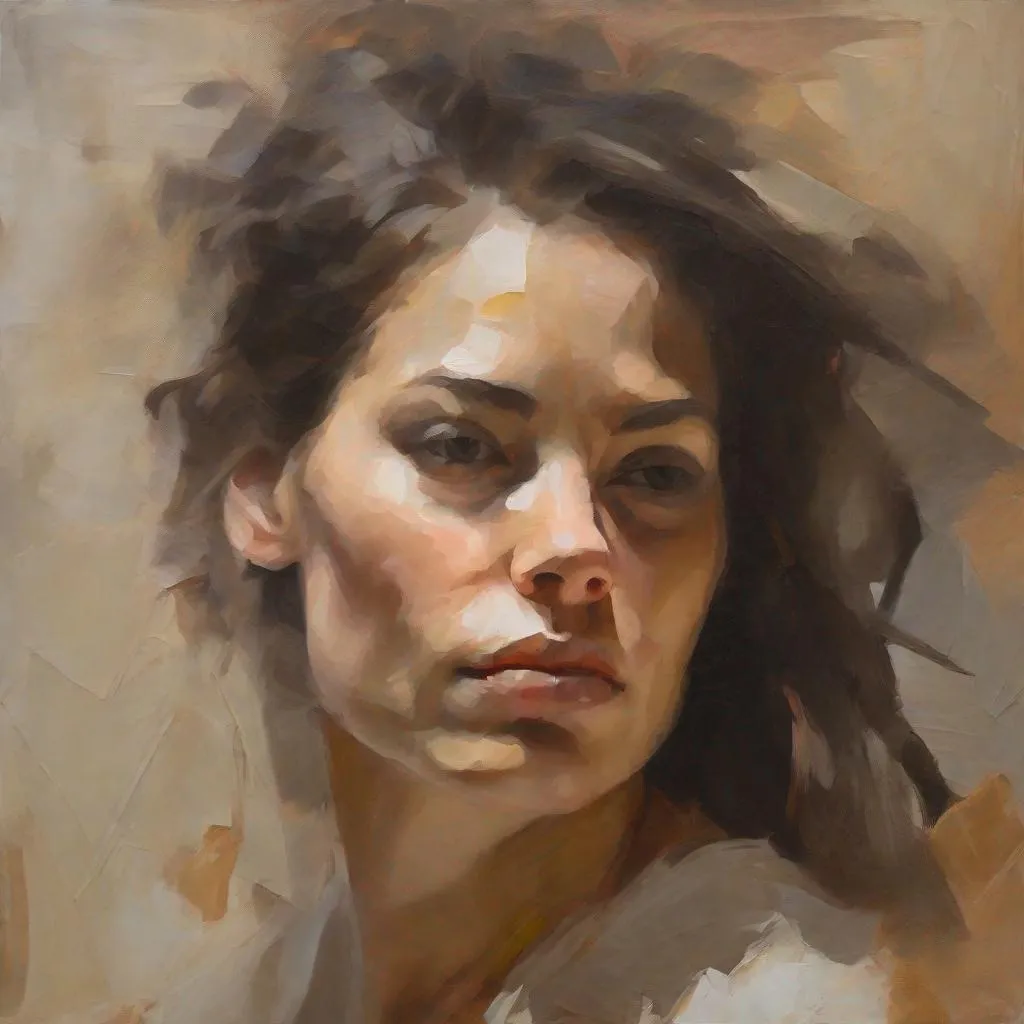
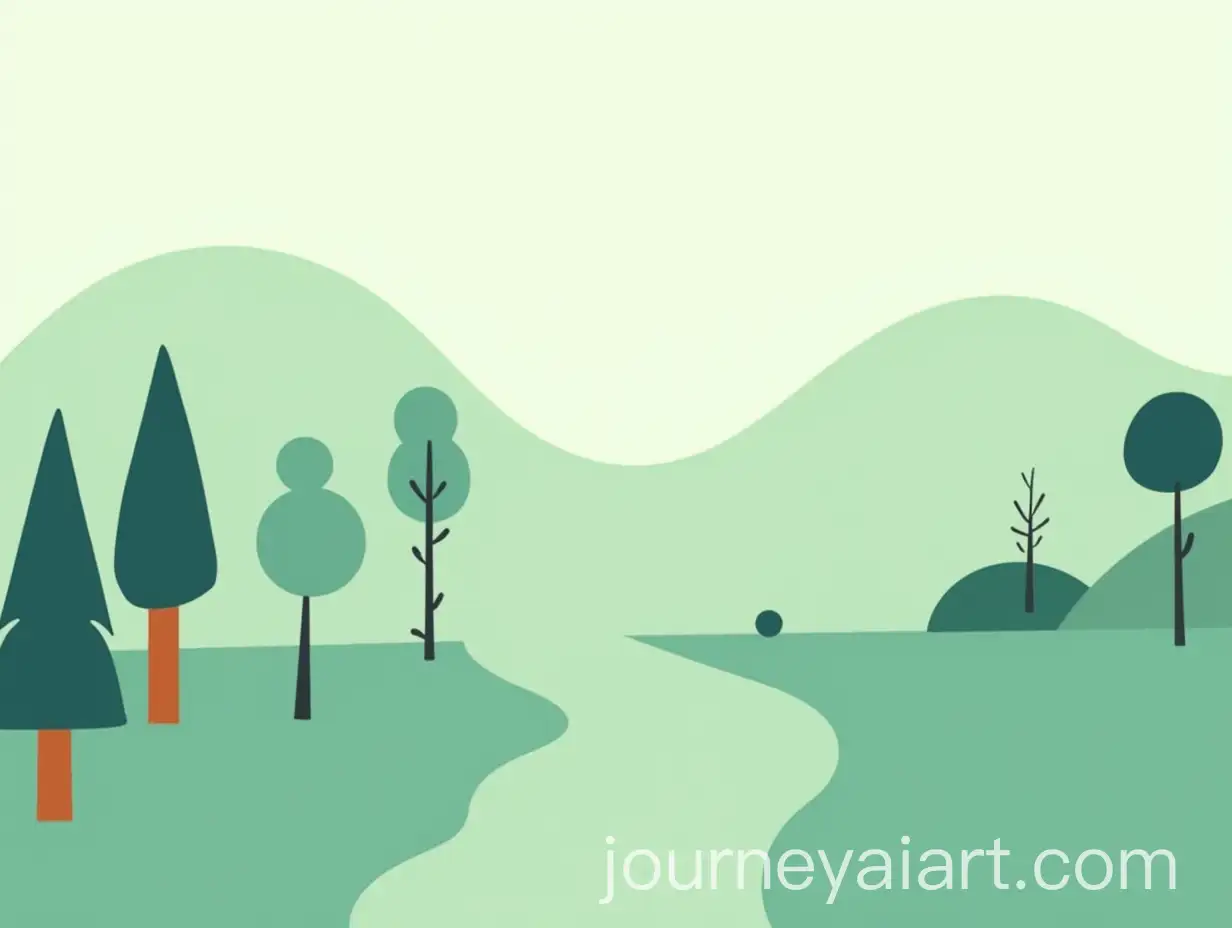
Artistic references are another powerful tool. Instead of naming a subject alone, you can describe how it should be rendered. For example, specifying a “painterly oil texture” or a “clean vector illustration” communicates both medium and technique without needing technical detail.
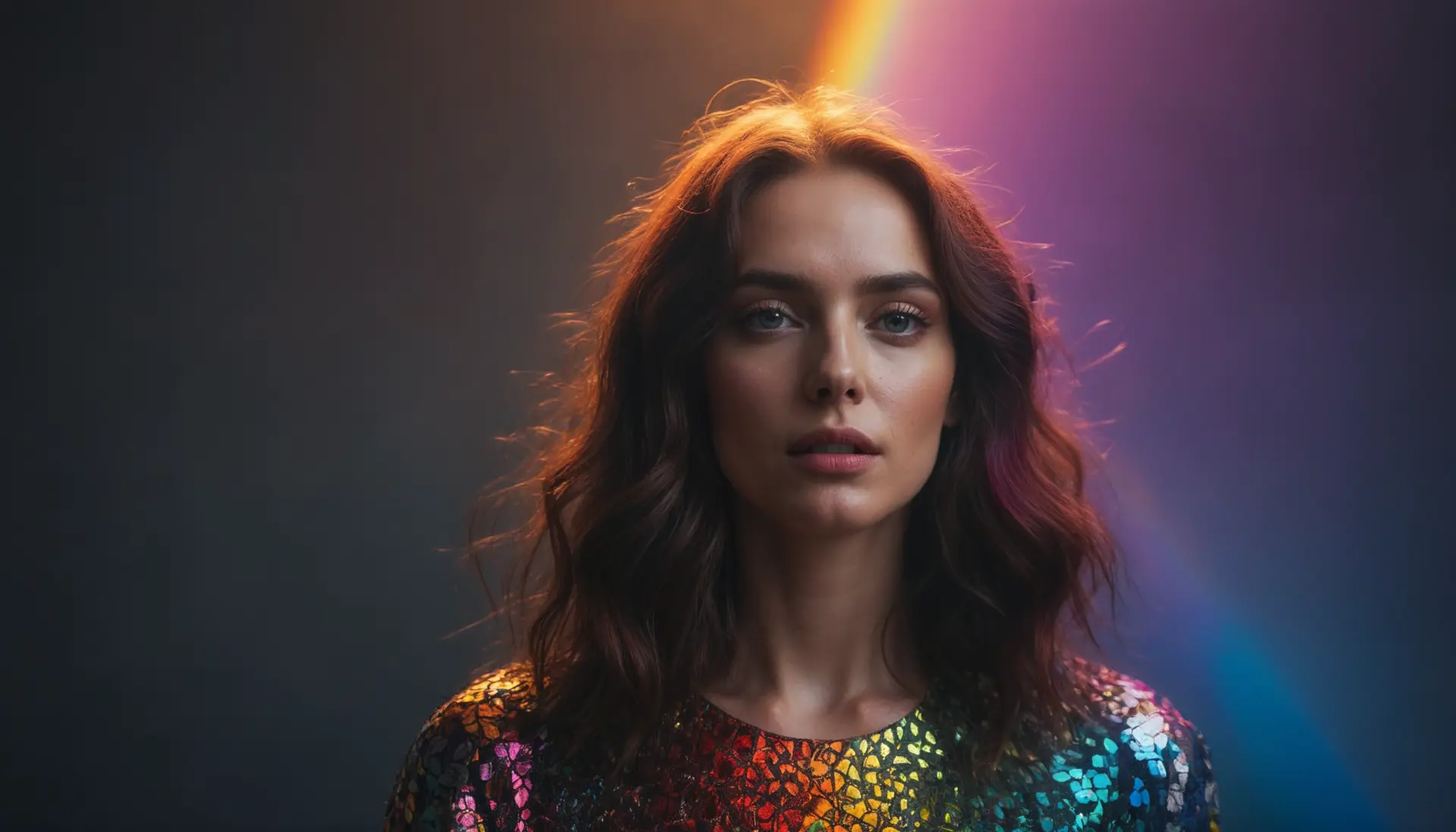
Contextual modifiers help refine the outcome further. Words that describe era, environment, or mood influence style indirectly. “Futuristic,” “vintage,” or “cinematic” often affect color grading, lighting, and composition in subtle but consistent ways.
Using medium and technique as style anchors
One of the most effective ways to control style is to anchor the image to a medium or technique. AI models have strong internal associations with artistic formats, making these references reliable style controls.
Common medium descriptors include:
- Oil painting
- Watercolor illustration
- Pencil sketch
- Ink drawing
- Digital concept art
- 3D render
- Photorealistic photography
Technique-based terms add another layer of precision:
- Soft brush shading
- Sharp line art
- Impasto texture
- Long-exposure lighting
- Depth of field blur
- Matte finish
By combining medium and technique, you reduce ambiguity. “Watercolor landscape with soft washes and muted tones” is far more controlled than “artistic landscape.”
Controlling realism versus stylization
Many users struggle with images that look either too realistic or too artificial. This balance can be managed directly in the prompt.
To increase realism, prompts often include:
- Natural lighting
- Realistic proportions
- High detail
- Photographic quality
- Lens or camera references
To increase stylization, prompts may emphasize:
- Simplified shapes
- Exaggerated features
- Abstract forms
- Flat colors
- Graphic design elements
Mixing realism and stylization is possible, but it requires clarity. For example, “semi-realistic character illustration with stylized facial features” gives the model permission to blend both approaches without guessing.
Building style consistency across multiple images
Creating one good image is useful. Creating a consistent visual series is far more valuable, especially for branding, storytelling, or content creation.
Consistency starts with a reusable style prompt. This is a core description of your desired aesthetic that remains unchanged while the subject varies. A style prompt might include:
- Medium and technique
- Color palette preferences
- Lighting style
- Mood and tone
- Level of detail
You then append subject-specific details after this core. Over time, this approach trains you, not the model, to think systematically about style.
Keeping a personal prompt library helps maintain consistency. Saving successful prompts and refining them gradually is more effective than starting from scratch each time.
Using negative prompts to refine style
Style control is not only about what you include but also about what you exclude. Negative prompts tell the model what to avoid, reducing unwanted artifacts or stylistic drift.
Common style-related exclusions include:
- Blurry details
- Over-saturated colors
- Cartoonish proportions
- Harsh lighting
- Low-resolution textures
Negative prompts are especially useful when a model consistently introduces elements you do not want. By explicitly excluding them, you narrow the range of possible outputs and improve reliability.
Layering complexity for advanced control
Advanced users often think of prompts as layered instructions rather than single sentences. Each layer serves a purpose.
A structured approach might look like this:
- Subject description
- Medium and technique
- Style adjectives
- Lighting and color
- Mood and atmosphere
- Composition and framing
- Quality modifiers
This layered method allows you to adjust one aspect without disrupting others. If lighting feels wrong, you can modify that layer while keeping the rest intact.


Understanding model interpretation limits
Even the best prompts have limits. AI models interpret style probabilistically, not deterministically. Two images generated from the same prompt can still differ noticeably.
Understanding this variability helps set realistic expectations. Style control improves consistency, but it does not eliminate variation entirely. This is why iteration is part of the creative process.
Instead of rewriting prompts completely, make small adjustments and observe how the output changes. Over time, patterns emerge, and you gain intuition about which words have the strongest influence.
Common mistakes that weaken style control
Many prompt issues stem from trying to do too much at once. Overloading a prompt with conflicting style instructions can confuse the model.
Common mistakes include:
- Mixing incompatible styles without clarification
- Using vague adjectives like “nice” or “cool”
- Repeating similar descriptors unnecessarily
- Ignoring lighting and color entirely
- Relying only on artist names without descriptive context
Clear, intentional language almost always outperforms long but unfocused prompts.

Developing a personal visual language
The most effective AI artists do not rely on random inspiration. They develop a personal visual language through repeated experimentation. This language consists of preferred adjectives, techniques, moods, and compositions that reflect a consistent aesthetic.
Over time, controlling style becomes less about guessing and more about refinement. Each prompt builds on previous knowledge, turning AI art generation into a deliberate creative workflow rather than a trial-and-error exercise.
Style control is not about limiting creativity. It is about giving creativity a recognizable shape. When you understand how prompts influence visual outcomes, AI becomes a responsive tool rather than an unpredictable one, capable of translating intention into imagery with increasing accuracy.
