
DALL·E is one of the most widely recognized AI image generation systems, designed to transform written descriptions into original visual content. For beginners, it offers an intuitive way to experiment with AI art. For advanced users, it provides precise control over style, composition, and variation. This guide explains how DALL·E works, how to use it effectively, and how to refine results for professional or creative projects, with a focus on evergreen principles that remain useful over time.


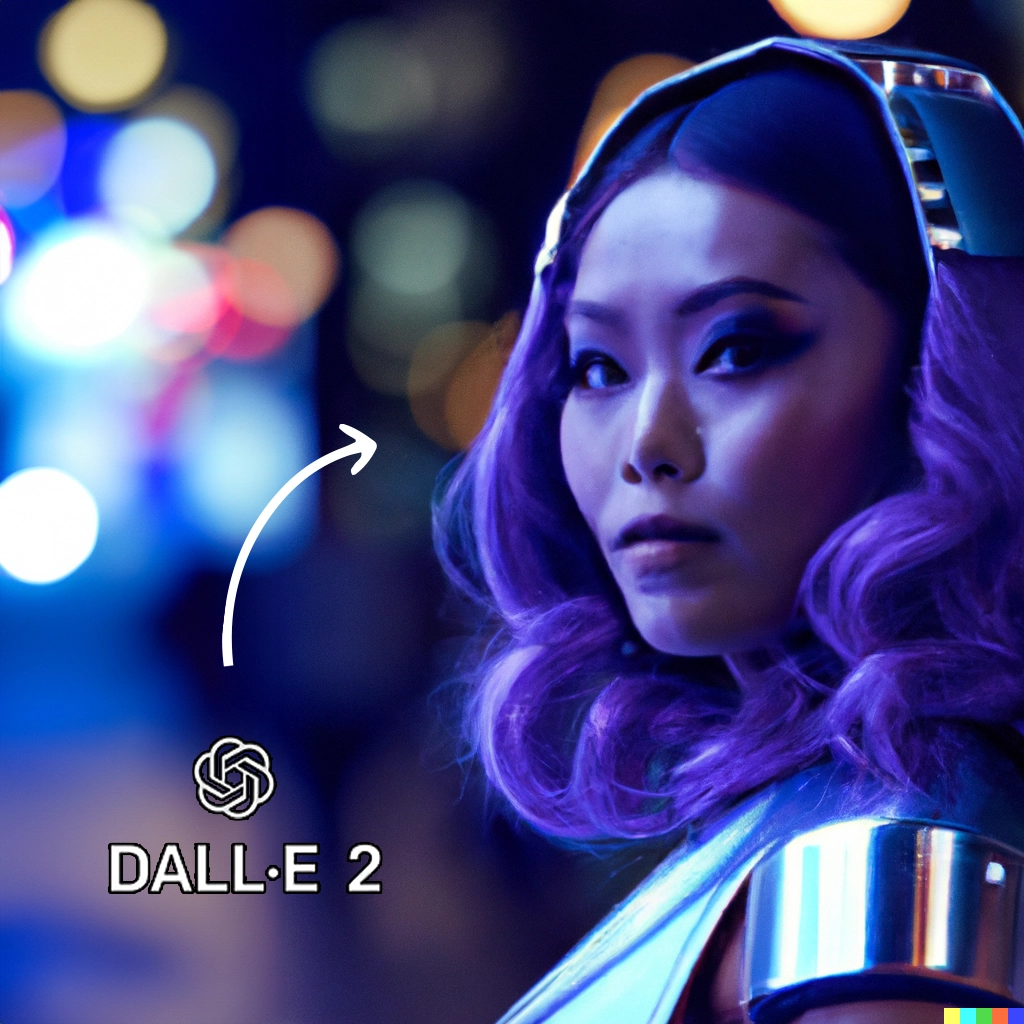

What DALL·E is and how it works
At its core, DALL·E is a text-to-image model. It analyzes a written prompt, interprets its semantic meaning, and generates an image that visually represents that description. Unlike traditional image editing software, DALL·E does not rely on existing templates or manual drawing. Instead, it synthesizes new images based on patterns learned during training.
The system understands:
- Objects and scenes such as people, landscapes, and everyday items
- Artistic styles, including photography, illustration, and painting
- Spatial relationships like foreground, background, and perspective
- Descriptive modifiers such as lighting, color palette, and mood
This makes it suitable for both conceptual exploration and practical image creation.
Accessing DALL·E and basic setup
Most users interact with DALL·E through a web-based interface. The workflow is intentionally simple: enter a text prompt, choose basic settings if available, and generate images. This accessibility lowers the barrier for non-designers while still offering depth for experienced creators.
When starting out, it is useful to:
- Work with short, clear prompts
- Generate multiple images per prompt
- Save or bookmark results that closely match your intent
This initial experimentation helps build an intuitive sense of how wording affects output.
Writing effective prompts
Prompt quality is the single most important factor in image generation. A prompt should describe not only what you want to see, but also how you want it to look.
Core elements of a strong prompt
A well-structured prompt usually includes:
- Subject: the main object or scene
- Context: environment or situation
- Style: artistic or photographic approach
- Details: lighting, colors, textures, mood
For example, instead of writing “a cat,” a more effective prompt would be “a realistic portrait of a gray cat sitting by a window, soft natural light, shallow depth of field.”
Prompt length and clarity
Long prompts are not always better. Clarity matters more than quantity. Overloading a prompt with unrelated descriptors can confuse the model and reduce coherence. Aim for concise descriptions that focus on the most important visual elements.
Exploring styles and aesthetics
One of DALL·E’s strengths is its ability to adapt to different visual styles. By referencing established artistic approaches or technical qualities, users can guide the aesthetic direction of the output.
Common style modifiers include:
- “photorealistic” for lifelike images
- “digital illustration” for clean, graphic visuals
- “oil painting” or “watercolor” for traditional art effects
- “cinematic lighting” for dramatic scenes
These modifiers help align results with specific creative or commercial goals, such as blog illustrations, concept art, or marketing visuals.
Generating variations and refining results
Rarely does the first image perfectly match expectations. DALL·E supports iterative refinement through variations and adjusted prompts.
An effective refinement process involves:
- Identifying what works in the initial image
- Noting what needs improvement, such as composition or color balance
- Adjusting the prompt to emphasize or correct those elements
- Generating new variations based on the revised description
This iterative approach mirrors traditional creative workflows, where drafts gradually evolve into finished pieces.
Image editing and inpainting
Beyond generating images from scratch, DALL·E allows users to modify specific parts of an image. This feature is often referred to as inpainting.
Typical use cases include:
- Replacing backgrounds without altering the subject
- Adjusting facial expressions or poses
- Adding or removing objects from a scene
- Correcting small visual inconsistencies
Inpainting is especially useful for designers who want AI-generated images to integrate seamlessly into existing projects.
Practical use cases for DALL·E images
DALL·E images can be applied across many fields, provided users respect usage rights and platform policies.
Common applications include:
- Blog and article illustrations
- Social media visuals
- Concept art for games or films
- Educational materials
- Product mockups and visual brainstorming
For SEO-focused websites, AI-generated images can improve visual engagement when paired with relevant, descriptive alt text.
Understanding limitations and best practices
While powerful, DALL·E is not without limitations. It may occasionally produce images with anatomical inaccuracies, distorted text, or inconsistent details. Recognizing these constraints helps manage expectations and results.
Best practices include:
- Avoiding overly abstract or contradictory prompts
- Reviewing images carefully before publishing
- Combining AI generation with light human editing when necessary
Treating DALL·E as a creative assistant rather than a fully autonomous artist leads to more reliable outcomes.
Ethical considerations and responsible use
Responsible image generation involves awareness of ethical and legal factors. Users should avoid prompts that imitate specific living artists too closely, misrepresent real people, or create misleading visuals.
Ethical use also means:
- Clearly labeling AI-generated images when appropriate
- Avoiding deceptive or harmful content
- Respecting intellectual property boundaries
These considerations are increasingly important as AI-generated imagery becomes more common.
Building long-term skill with DALL·E
Mastery of DALL·E develops over time. As users experiment, they learn how subtle changes in wording influence results. Keeping a personal library of effective prompts and successful images can accelerate this learning process.
Advanced users often:
- Develop prompt templates for recurring styles
- Combine multiple generation rounds into a single workflow
- Use AI images as a starting point for further creative work
In this way, DALL·E becomes not just a tool for quick visuals, but a flexible system for visual thinking and experimentation.
Rather than replacing traditional creativity, DALL·E reshapes it. By translating ideas into images at unprecedented speed, it allows creators to explore concepts, test aesthetics, and communicate visually with fewer technical barriers. The true value lies not in perfect outputs, but in how effectively the tool supports imagination, iteration, and expression over time.
