
Artificial intelligence has lowered the barrier to digital art more than any previous technology. What once required years of practice with drawing tablets, complex software, and visual theory can now begin with a simple text prompt or a few sliders. For beginners, this shift is both empowering and confusing. The number of AI drawing tools has grown rapidly, and each platform claims to be intuitive, powerful, and beginner-friendly.
This guide focuses on AI drawing tools that are genuinely accessible for newcomers. The emphasis is on ease of use, learning curve, creative flexibility, and long-term value rather than technical experimentation or advanced customization. The goal is to help beginners move from curiosity to confident creation.
What makes an AI drawing tool beginner-friendly
Before comparing specific tools, it is important to understand what actually matters for beginners. Not all AI art platforms are designed with first-time users in mind.
A beginner-friendly AI drawing tool typically offers:
- A clean and intuitive interface with minimal setup
- Clear guidance or presets for prompts and styles
- Fast results without requiring technical knowledge
- Reasonable defaults that produce visually pleasing images
- Access through a browser or simple app, without local installation
Advanced features such as model fine-tuning, custom checkpoints, or command-line workflows can be valuable later, but they often slow down early learning. For beginners, progress and enjoyment are more important than control.
Text-to-image tools as the starting point
Most beginners enter AI art through text-to-image generation. This approach allows users to describe an idea in natural language and instantly receive visual output. The quality of the experience depends heavily on how well the tool interprets prompts and how much guidance it provides.
DALL·E

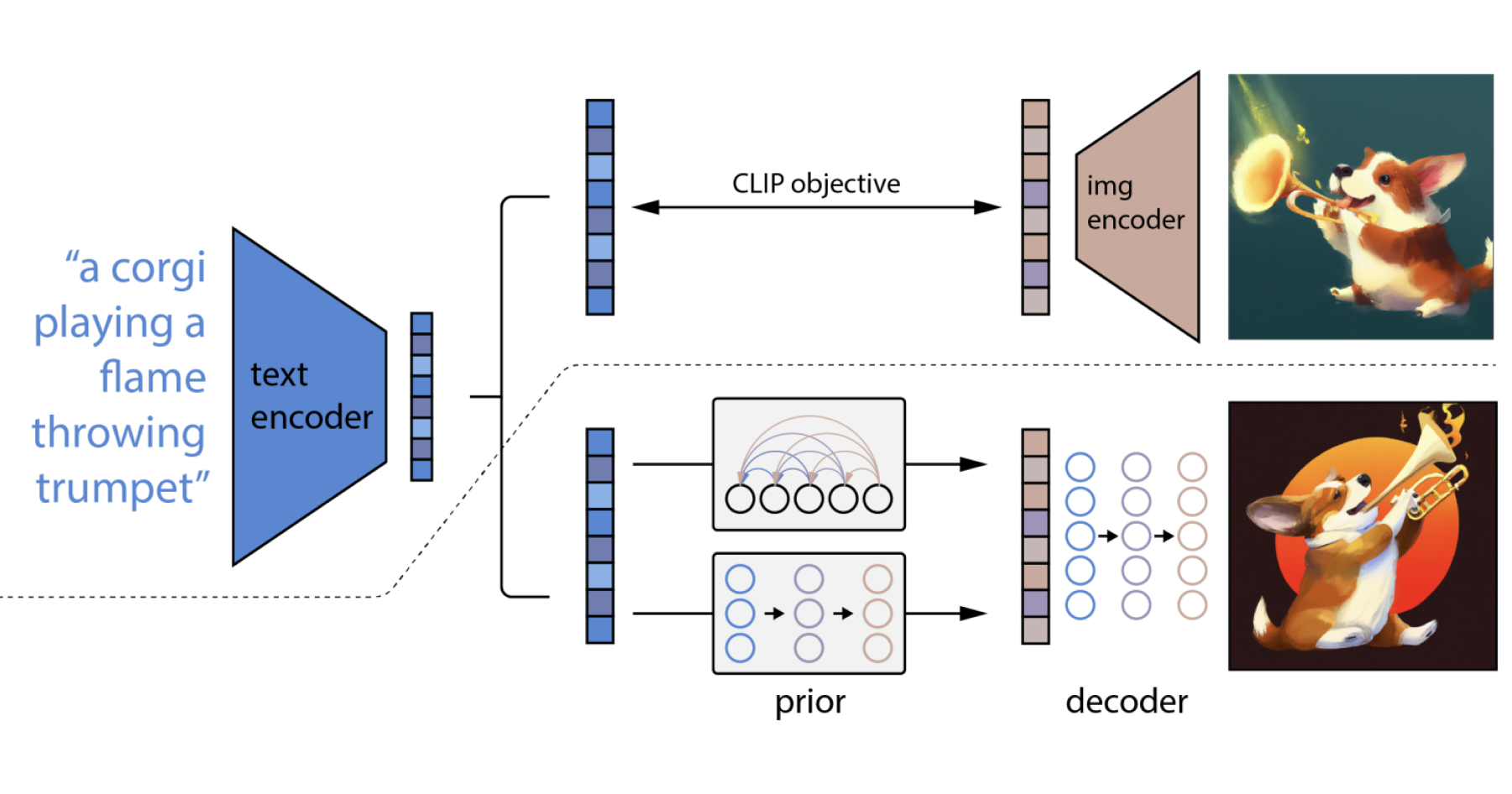
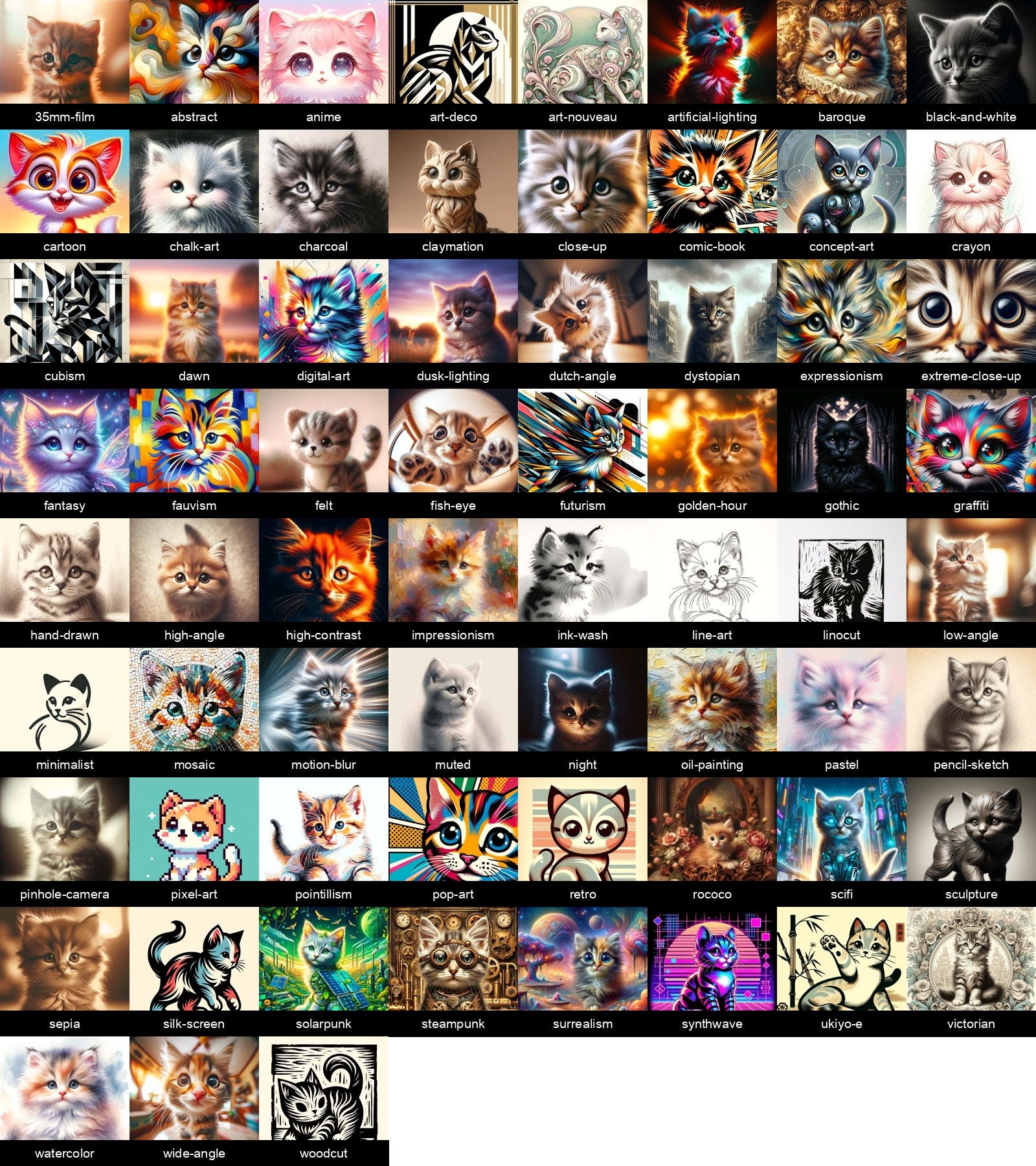
DALL·E is one of the most approachable AI drawing tools for beginners. Its strength lies in understanding everyday language. Users can describe scenes, styles, and concepts without learning prompt engineering techniques.
The interface is minimal, and the results tend to be coherent and visually balanced. Beginners often appreciate that the tool avoids overly abstract or distorted outputs unless explicitly requested. This makes it suitable for learning how descriptive language influences visual results.
DALL·E is especially useful for:
- Concept illustrations
- Simple character ideas
- Stylized scenes without heavy technical detail
- Learning prompt structure through experimentation
Midjourney
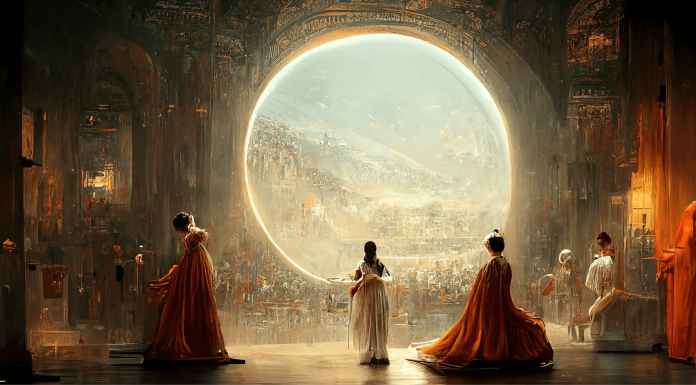
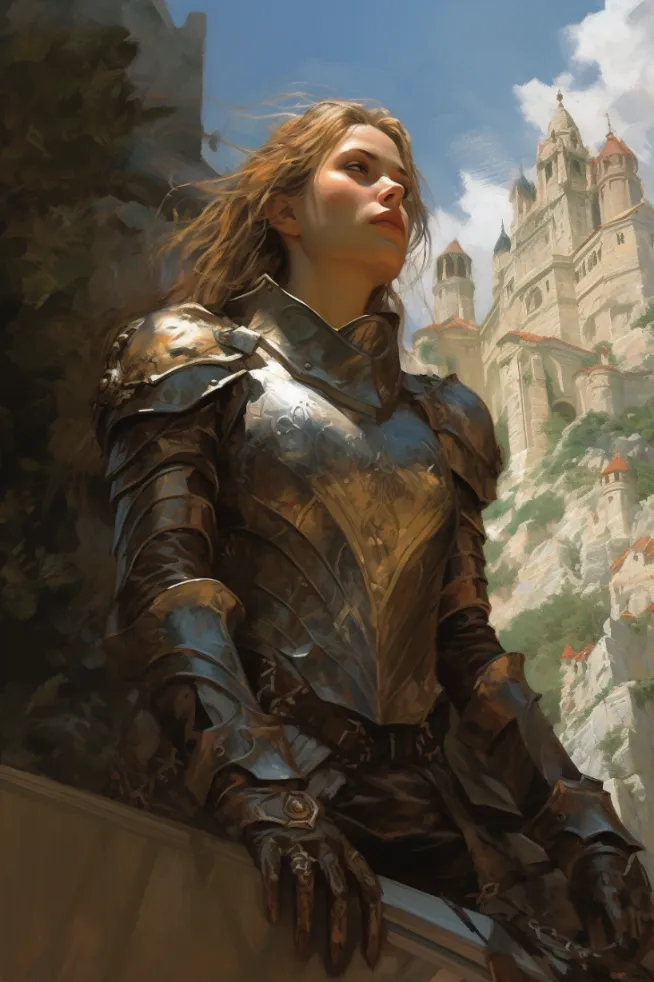

Midjourney is widely known for its artistic depth and visual richness. While it may seem advanced at first, many beginners are drawn to it because strong results appear even with simple prompts.
The platform encourages exploration by allowing users to remix, upscale, and vary images with minimal effort. Over time, beginners naturally learn how small prompt changes affect style, lighting, and composition.
Midjourney works well for:
- Painterly and cinematic visuals
- Fantasy, science fiction, and surreal art
- Learning aesthetic language rather than technical syntax
- Visual inspiration and mood exploration
The main limitation for beginners is that it does not behave like traditional drawing software. Users guide rather than draw, which can feel abstract at first. However, many beginners find this liberating rather than restrictive.
Beginner-friendly design and illustration platforms
Some AI tools focus less on pure artistic experimentation and more on practical design. These platforms are often ideal for beginners who want to create visuals for social media, blogs, or presentations.
Canva
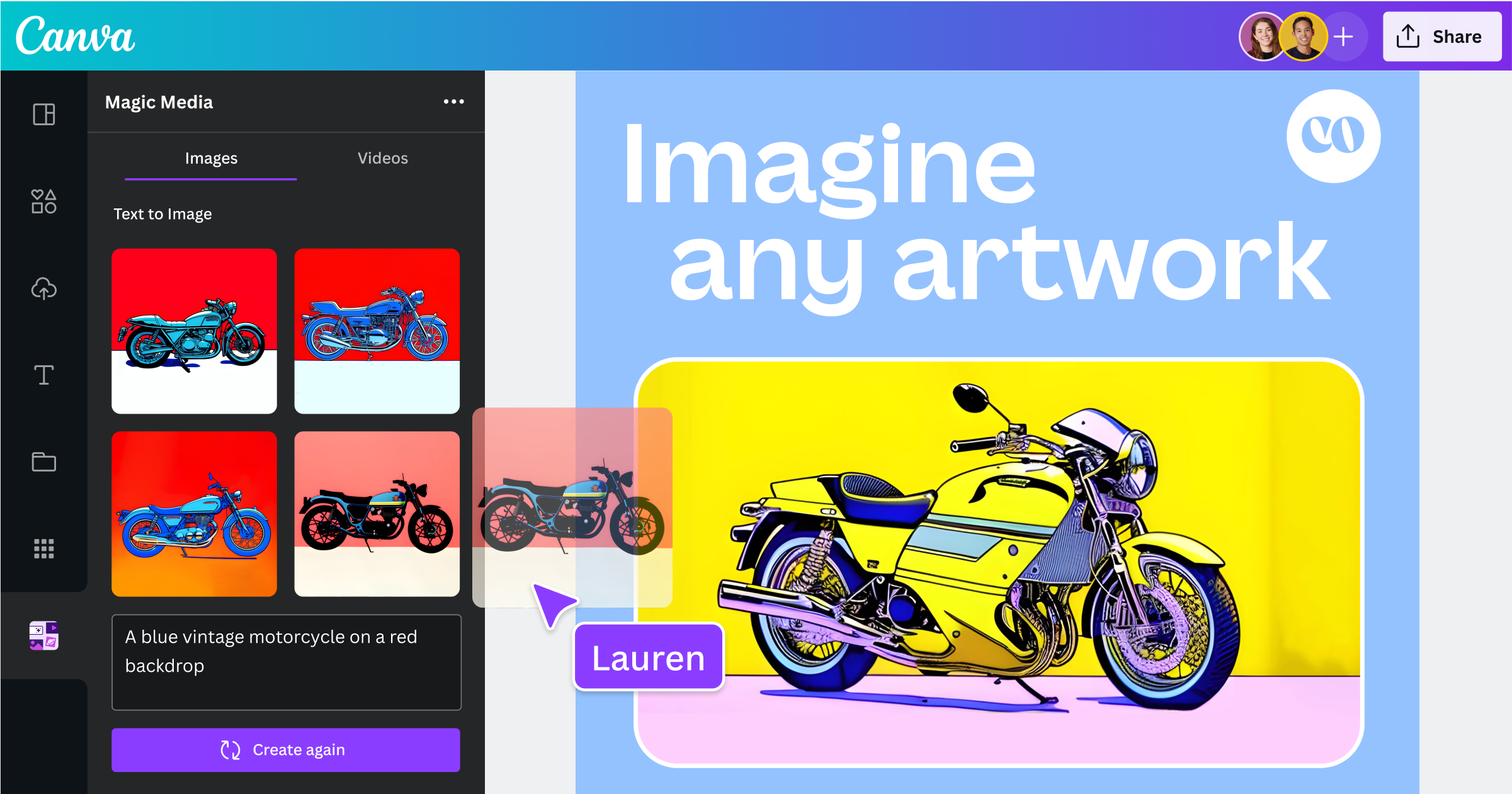
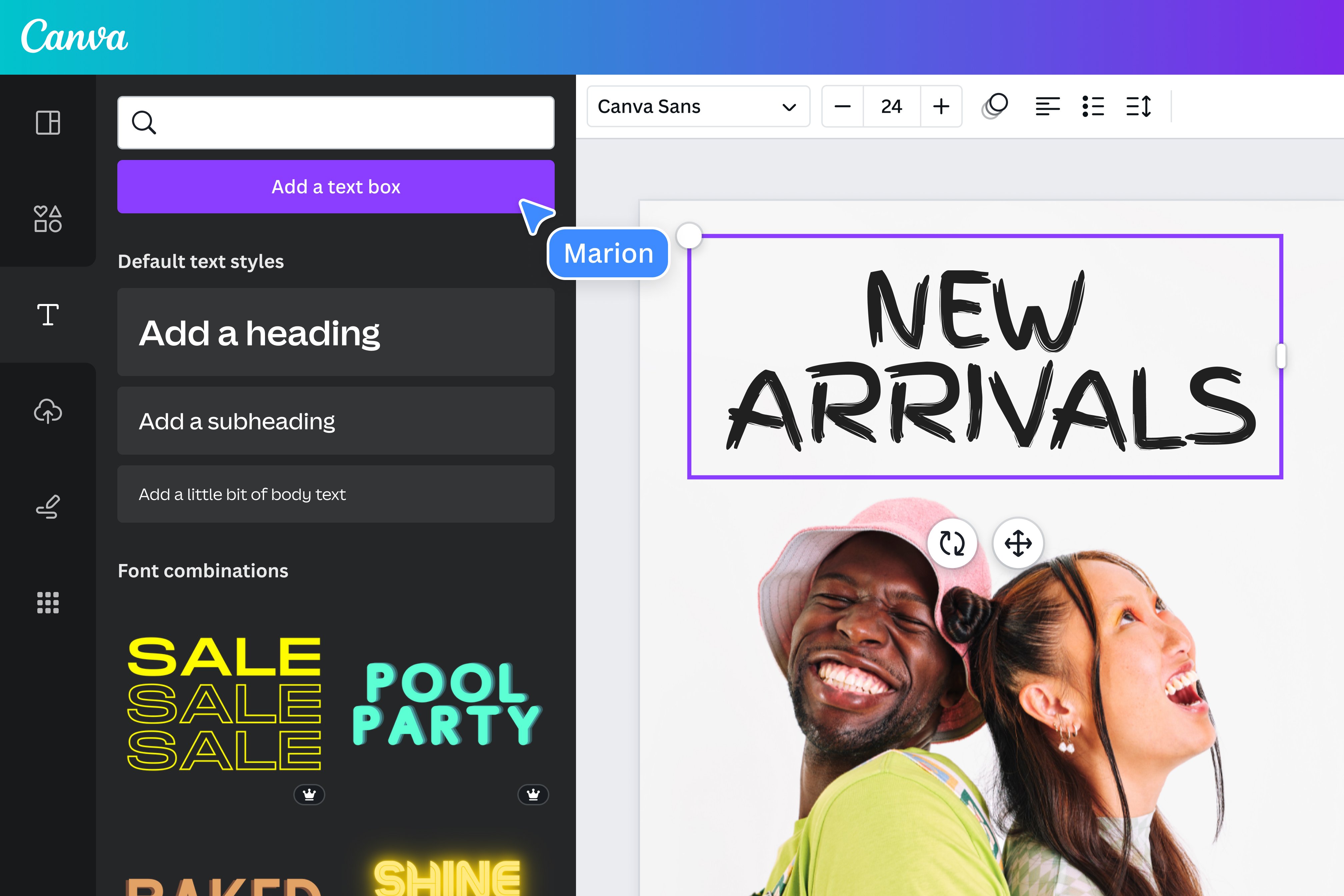
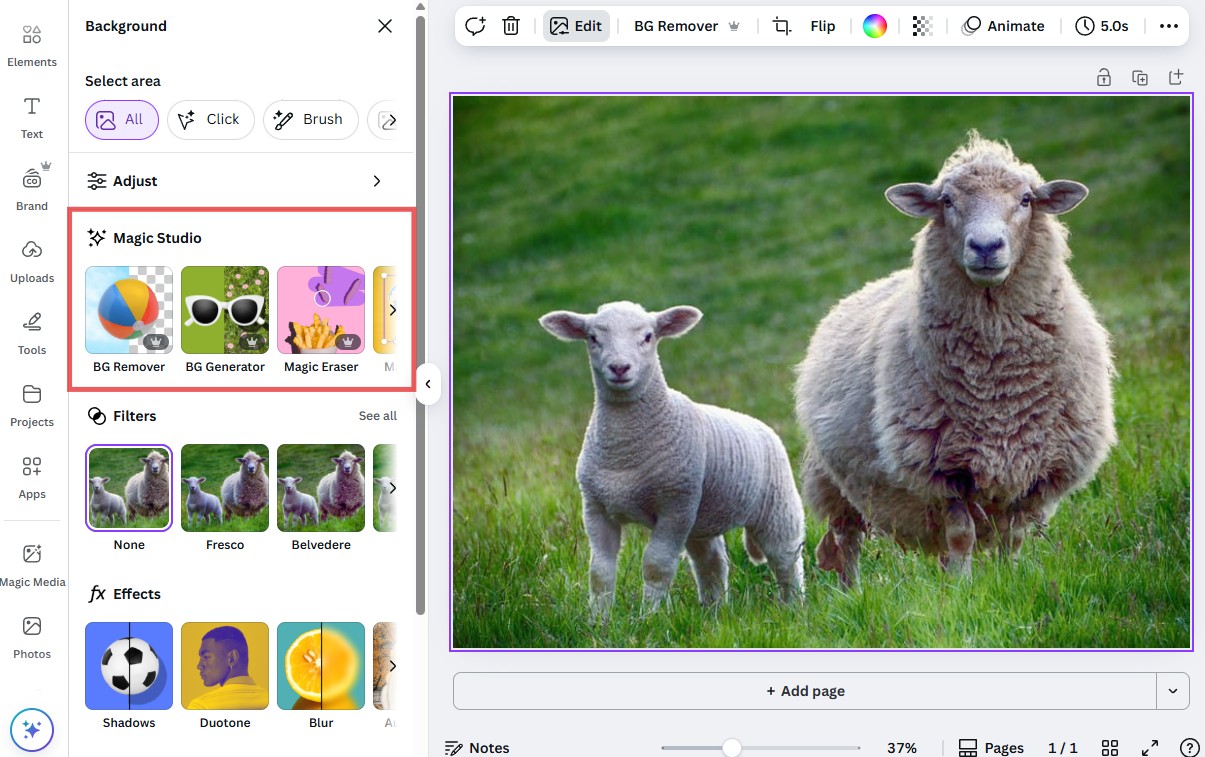
Canva integrates AI drawing directly into a familiar design environment. For beginners, this is a major advantage. The AI image generator works alongside templates, typography tools, and layout controls.
Instead of focusing purely on artistic expression, Canva helps beginners understand how AI-generated images fit into real-world projects. Users can generate an image and immediately place it into a design without switching platforms.
Canva is especially suitable for:
- Beginners interested in graphic design
- Social media visuals and blog graphics
- Combining AI art with text and layouts
- Users who want structure rather than experimentation
Adobe Firefly
Adobe Firefly is designed for users who want a gentle introduction to AI art within a professional ecosystem. The tool emphasizes clarity, predictability, and legal safety, which can be reassuring for beginners.
Firefly offers style presets, clear controls, and transparent outputs. It avoids overwhelming users with too many parameters while still producing polished visuals.
Adobe Firefly works well for:
- Beginners planning to grow into professional design tools
- Illustrations for marketing or branding
- Learning AI-assisted creativity in a controlled environment
- Users concerned about content usage rights
Tools for curious beginners who want more control
Some beginners quickly develop curiosity about how AI art works behind the scenes. For those users, tools that offer optional depth without forcing complexity can be ideal.
Stable Diffusion
Stable Diffusion stands apart as an open and flexible AI drawing system. While its full potential requires technical understanding, many user-friendly interfaces now make it accessible to beginners.
Web-based versions and simplified apps allow users to generate images with minimal setup. As confidence grows, beginners can explore advanced features such as styles, seeds, and image-to-image generation.
Stable Diffusion is suitable for:
- Beginners who enjoy experimenting and learning
- Users interested in customization over time
- Long-term creative projects
- Exploring both realistic and stylized art
The key advantage is scalability. Beginners can start simple and gradually expand their skills without switching platforms.
Image-to-image tools for guided creativity
Some beginners prefer working from an existing image rather than starting with text alone. Image-to-image tools allow users to upload a sketch, photo, or reference and let the AI transform it.
This approach helps beginners understand composition, color, and style without needing to invent everything from scratch. Many platforms now include this feature, making it a natural next step after text-to-image generation.
Common beginner uses include:
- Enhancing rough sketches
- Stylizing photographs
- Exploring different art styles on the same image
- Learning how visual input influences AI interpretation
Choosing the right tool based on learning goals
There is no single “best” AI drawing tool for all beginners. The right choice depends on motivation and expectations.
Beginners focused on creativity and inspiration often gravitate toward tools with strong visual personality. Those interested in practical design may prefer structured platforms. Curious learners might choose tools that grow with them over time.
A simple way to decide:
- Choose simplicity if your goal is enjoyment and exploration
- Choose structure if your goal is usable visuals
- Choose flexibility if your goal is learning and growth
Many beginners use more than one tool, discovering that each platform teaches something different about AI-generated art.
Developing artistic intuition with AI tools
One overlooked benefit of AI drawing tools is how they train visual intuition. Beginners quickly learn which words affect lighting, texture, mood, and composition. Over time, this builds a visual vocabulary that transfers to traditional art and design.
Rather than replacing creativity, AI tools often accelerate learning by providing instant feedback. Each generated image becomes a lesson in visual cause and effect.
Beginners who approach AI drawing as a learning process rather than a shortcut tend to gain the most long-term value from these tools.
Where beginner experimentation naturally leads
After weeks or months of using AI drawing tools, beginners often notice a shift. The focus moves from “What can this tool generate?” to “How can I guide it better?” This transition marks the beginning of creative authorship.
Some users move toward more advanced prompt techniques. Others start combining multiple tools. Many begin integrating AI-generated art into personal projects, websites, or visual storytelling.
The most successful beginners are not those who master a single platform quickly, but those who remain curious, patient, and intentional with their creative choices.
