


The newest AI drawing tools every designer should test
AI drawing tools have moved from experimental curiosities to practical instruments in modern design workflows. What was once limited to simple text-to-image generation now includes advanced style control, image editing, concept iteration, and production-ready outputs. For designers, illustrators, and creative teams, understanding which tools are worth testing has become a professional necessity rather than a technical hobby.
This article explores the newest and most relevant AI drawing tools designers should test today, starting from accessible entry-level platforms and progressing toward advanced, production-focused systems. The goal is not to promote novelty, but to help creatives evaluate where AI meaningfully improves ideation, efficiency, and visual exploration.
Why AI drawing tools matter to designers now
Design work increasingly demands speed, variation, and adaptability across multiple formats. AI drawing tools address several long-standing challenges:
- Rapid concept visualization before committing to manual production
- Generation of visual variations for branding and campaigns
- Assistance with mood boards, backgrounds, and illustrative elements
- Faster iteration when exploring styles, color palettes, or compositions
Rather than replacing design skills, these tools act as accelerators. Designers still define intent, context, and visual judgment. AI fills the gap between an idea and its first visible form.
Entry-level AI drawing tools for experimentation
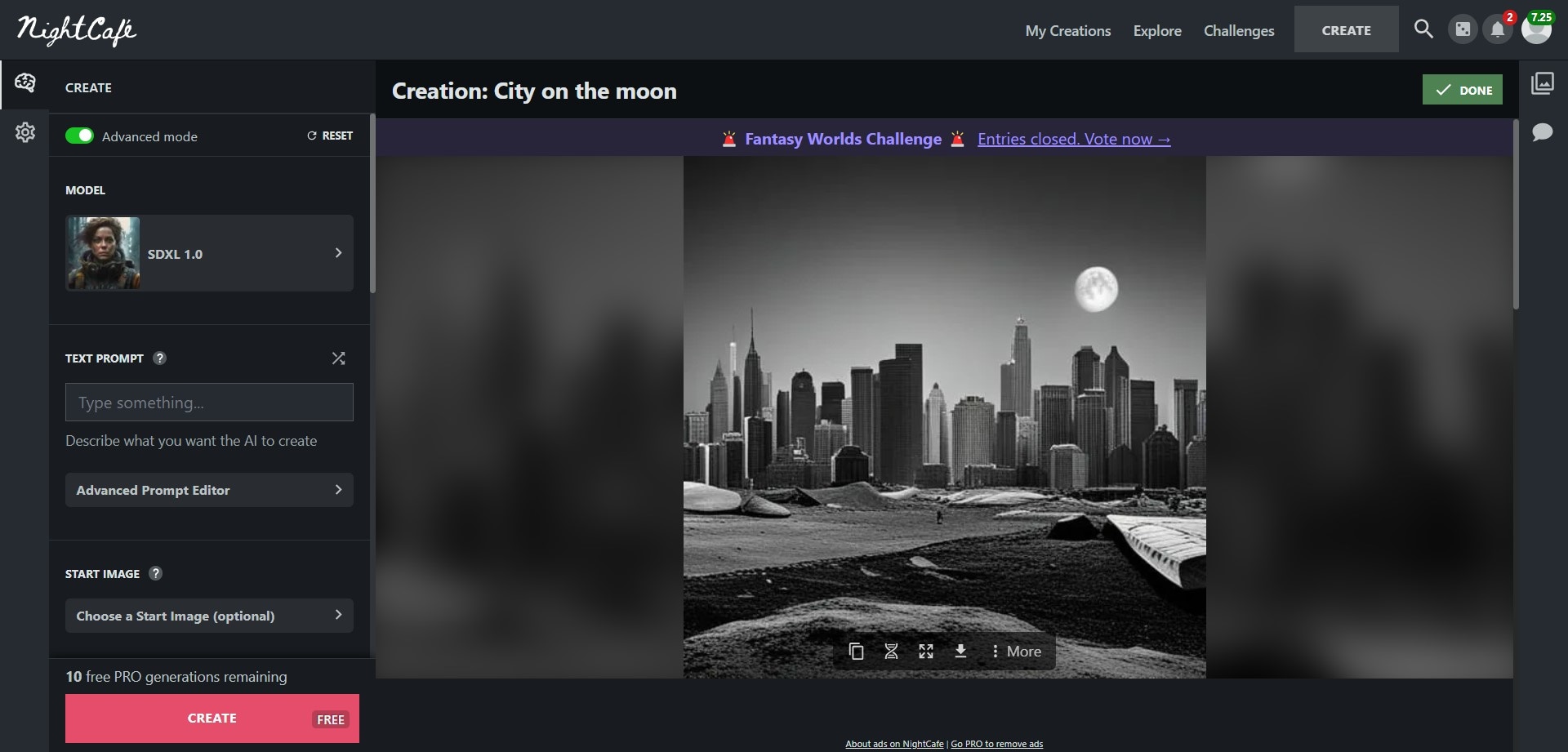
DALL·E

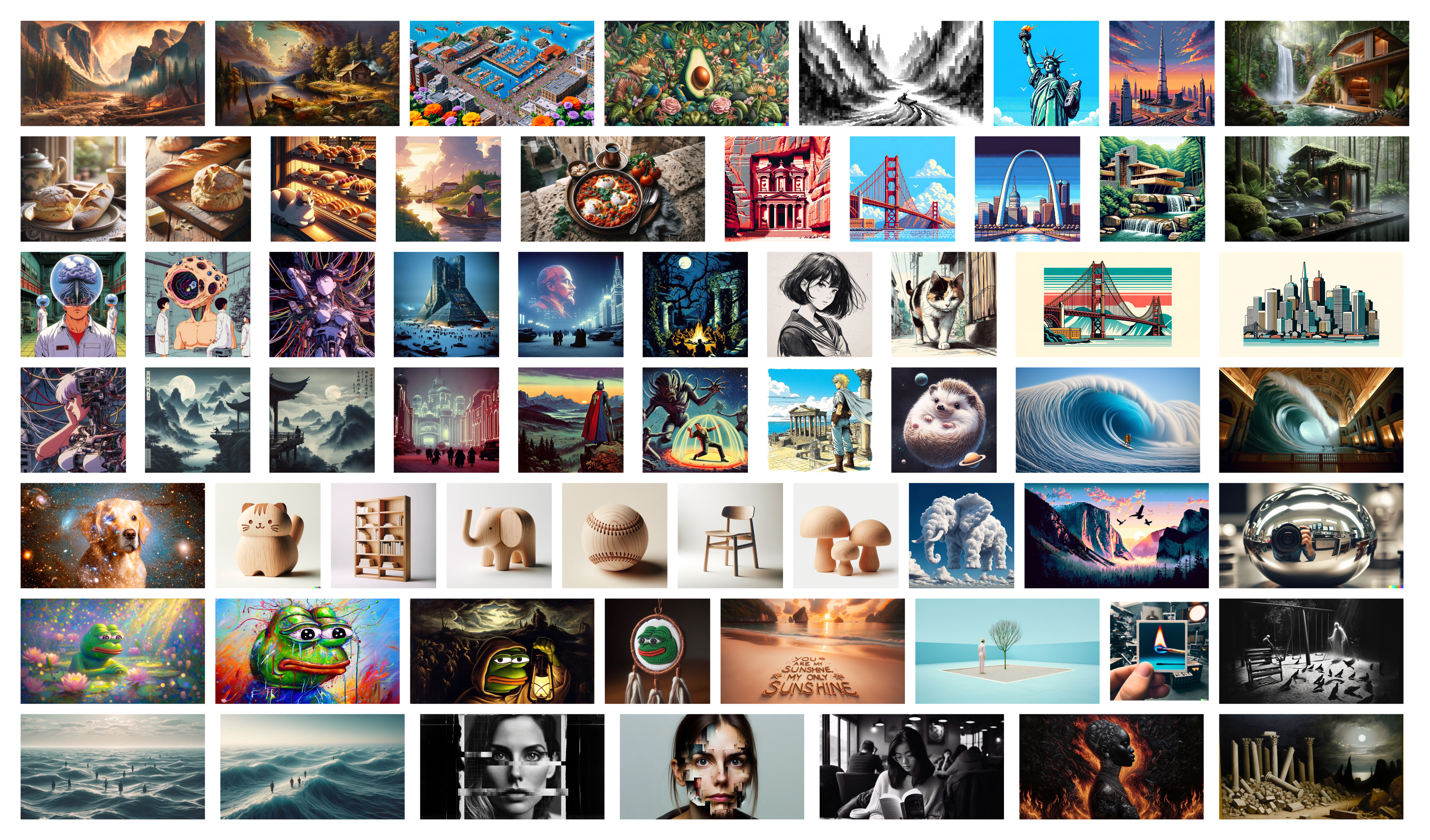
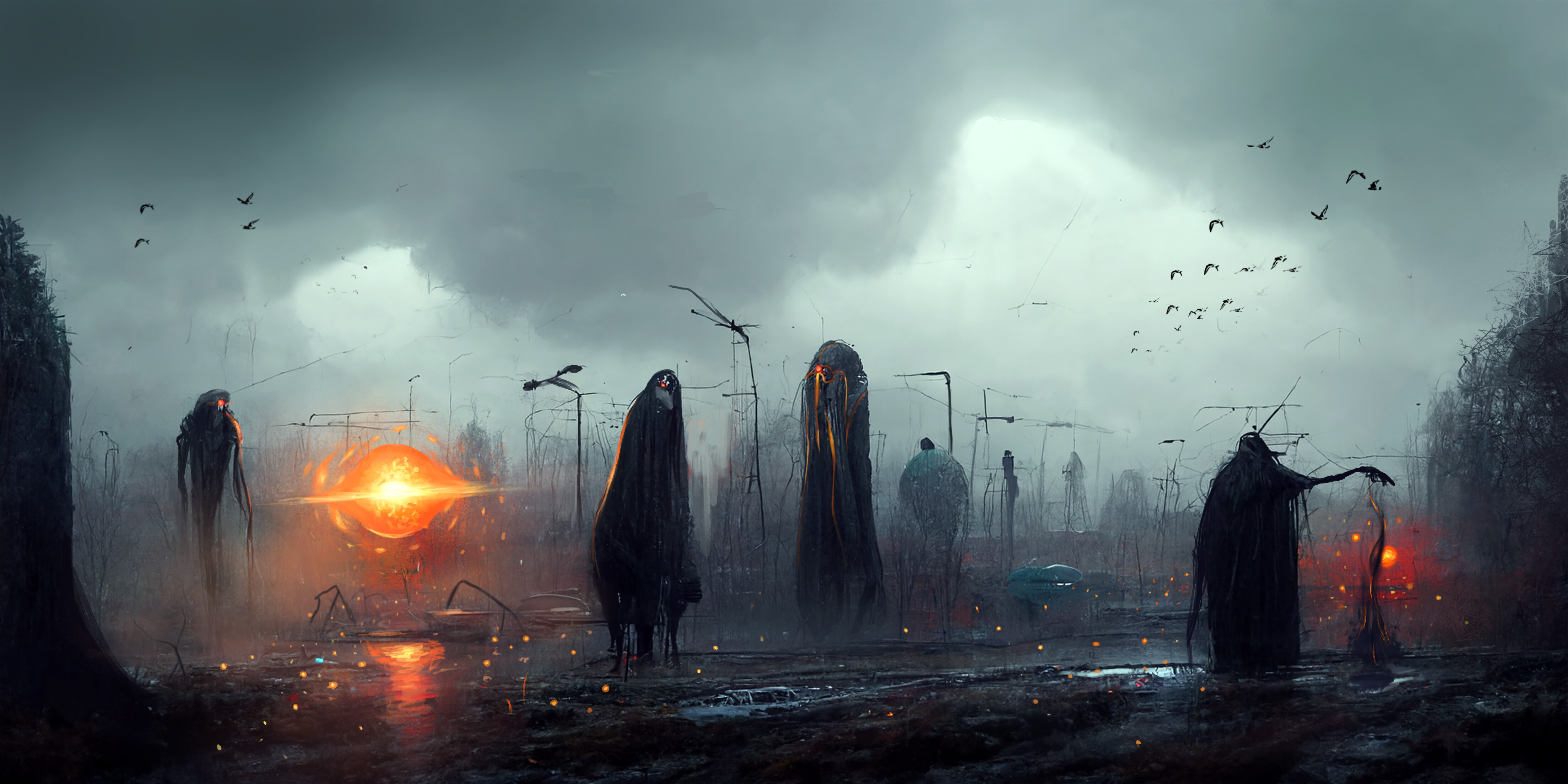
DALL·E is often the first AI drawing tool designers encounter due to its simplicity and clean interface. It excels at turning descriptive prompts into clear, illustrative visuals with minimal setup.
Designers commonly use it for:
- Early-stage concept sketches
- Editorial and blog illustrations
- Visual metaphors and abstract ideas
Its strength lies in accessibility. You do not need deep technical knowledge or parameter tuning. However, fine control over composition and consistency is limited compared to more advanced tools.
Canva AI image features
Canva’s AI drawing capabilities are integrated directly into a broader design environment. This makes it attractive for designers working on social media, presentations, and marketing visuals.
Key advantages include:
- Seamless combination of AI images with layouts and typography
- Fast generation for non-technical users
- Useful for content-heavy workflows
While not intended for detailed illustration work, Canva’s AI tools serve as a bridge between idea generation and finished design assets.
Tools focused on artistic style and control
Midjourney
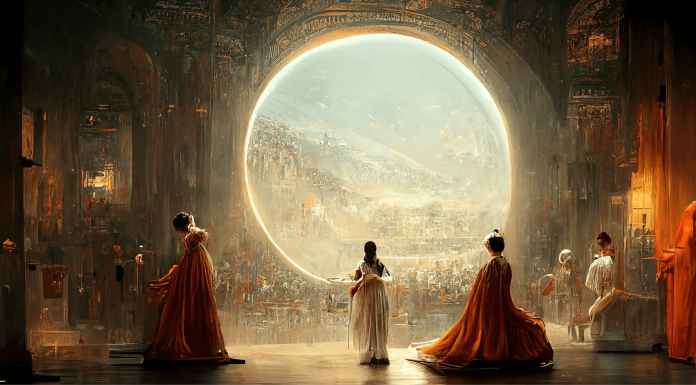
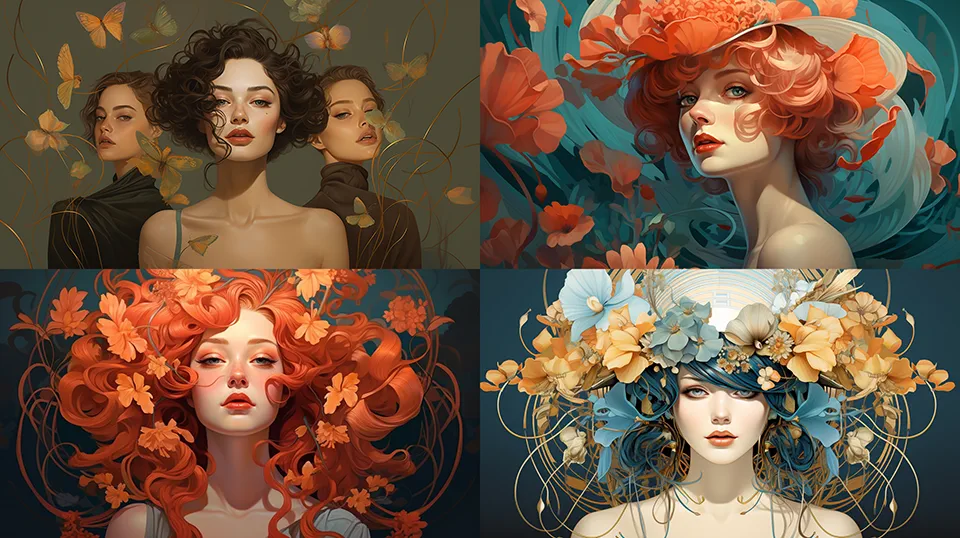
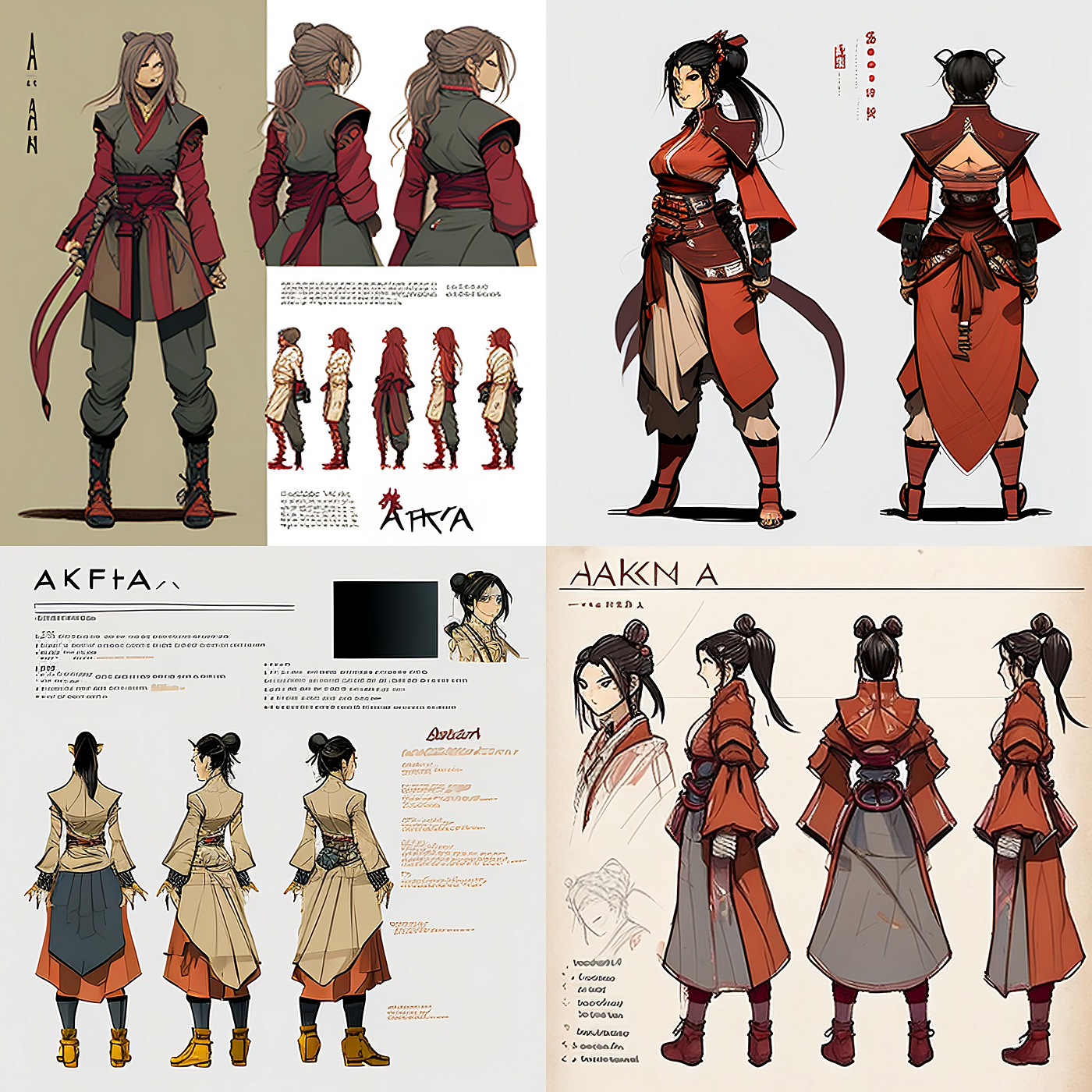
Midjourney has become synonymous with high-quality AI-generated art. Its results often resemble finished illustrations rather than drafts, making it popular among concept artists and visual designers.
Designers value Midjourney for:
- Strong artistic coherence
- Rich textures and lighting
- Stylized outputs suitable for branding and storytelling
The learning curve is steeper, especially when mastering prompt structure and variations. However, for designers exploring visual identity, packaging concepts, or narrative art, it offers exceptional creative depth.
Adobe Firefly
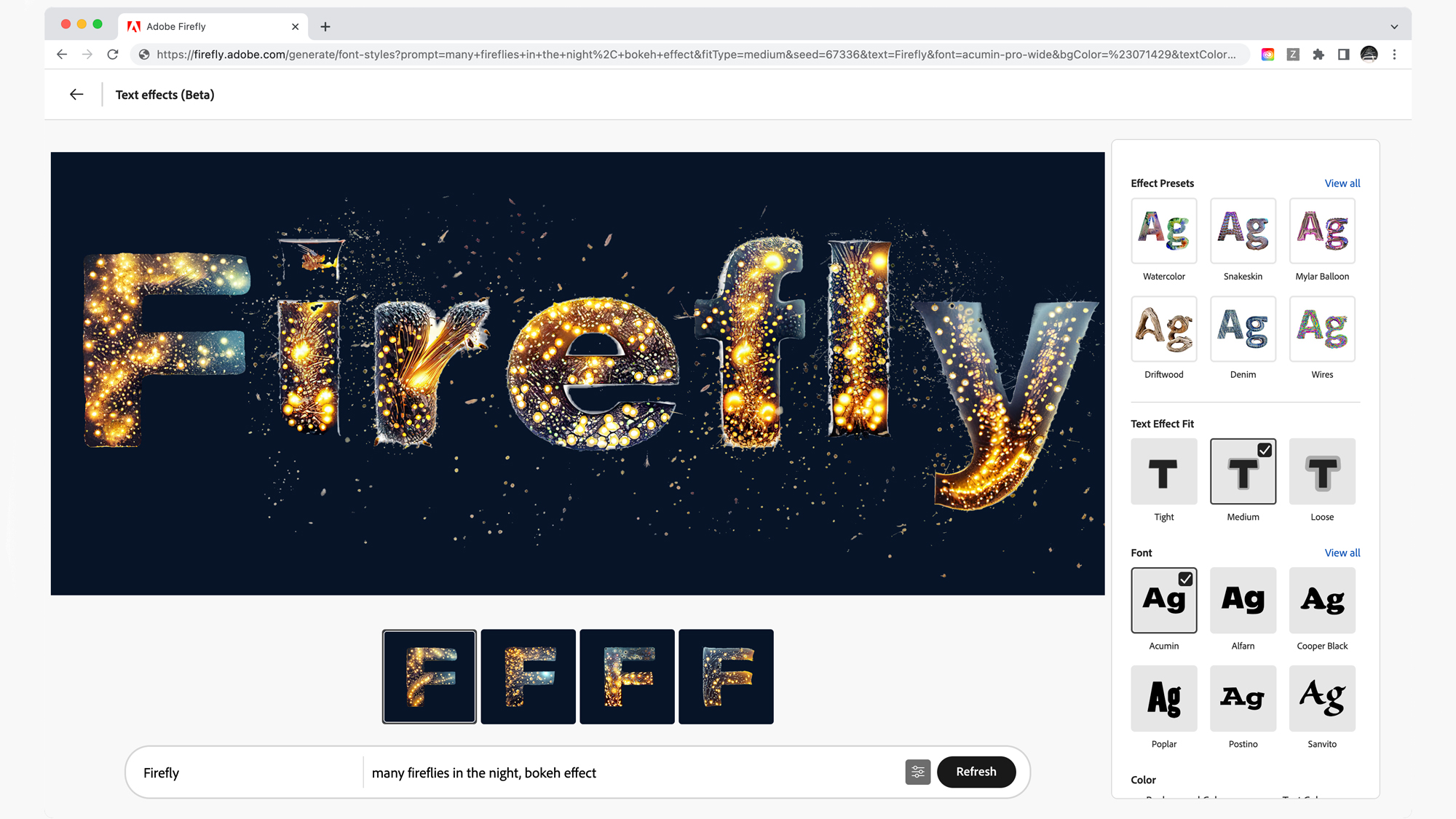
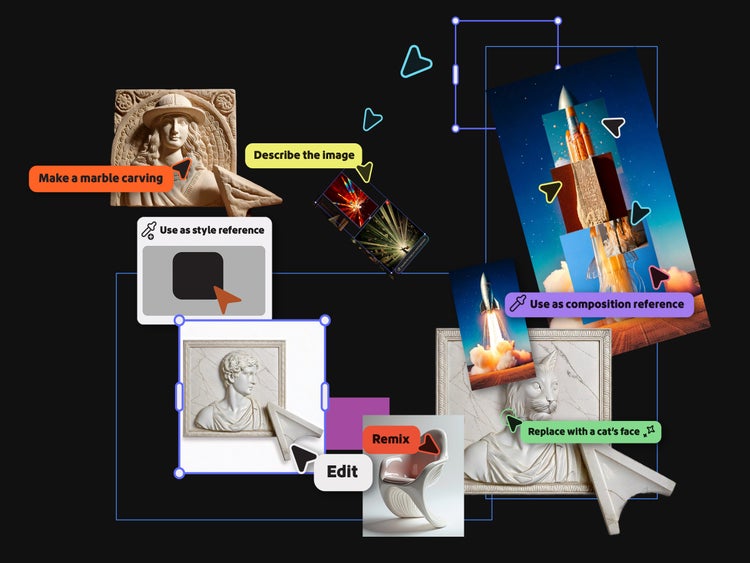
Adobe Firefly is designed with professional workflows in mind. Integrated into the Adobe ecosystem, it prioritizes control, predictability, and compatibility with tools like Photoshop and Illustrator.
Its most relevant features for designers include:
- Generative fill and object replacement
- Style adjustments aligned with brand guidelines
- Output designed for commercial use
Firefly is less about dramatic artistic experimentation and more about reliability. Designers working in advertising, publishing, or product design often appreciate this balance.
Advanced tools for production and customization
Stable Diffusion
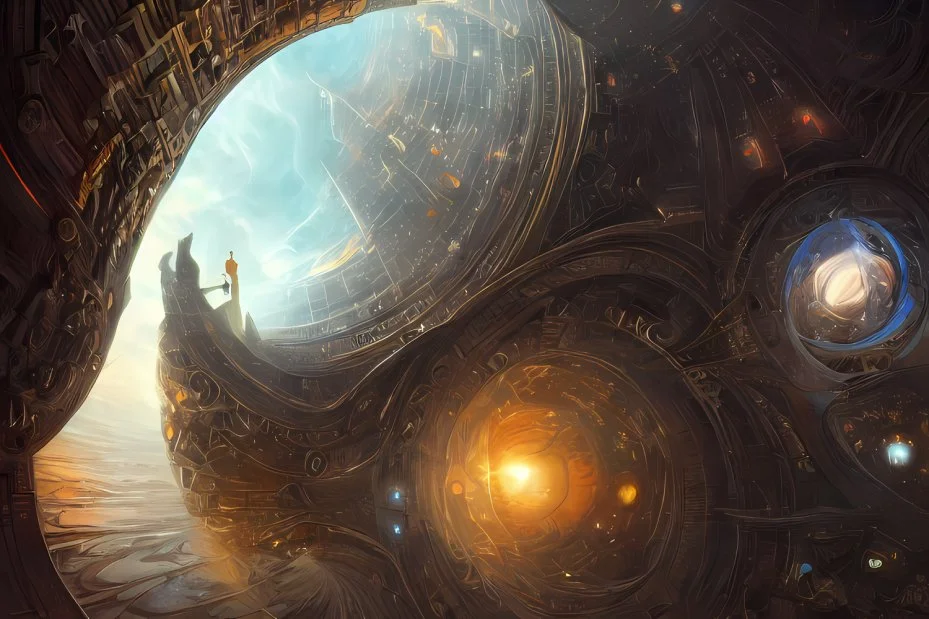
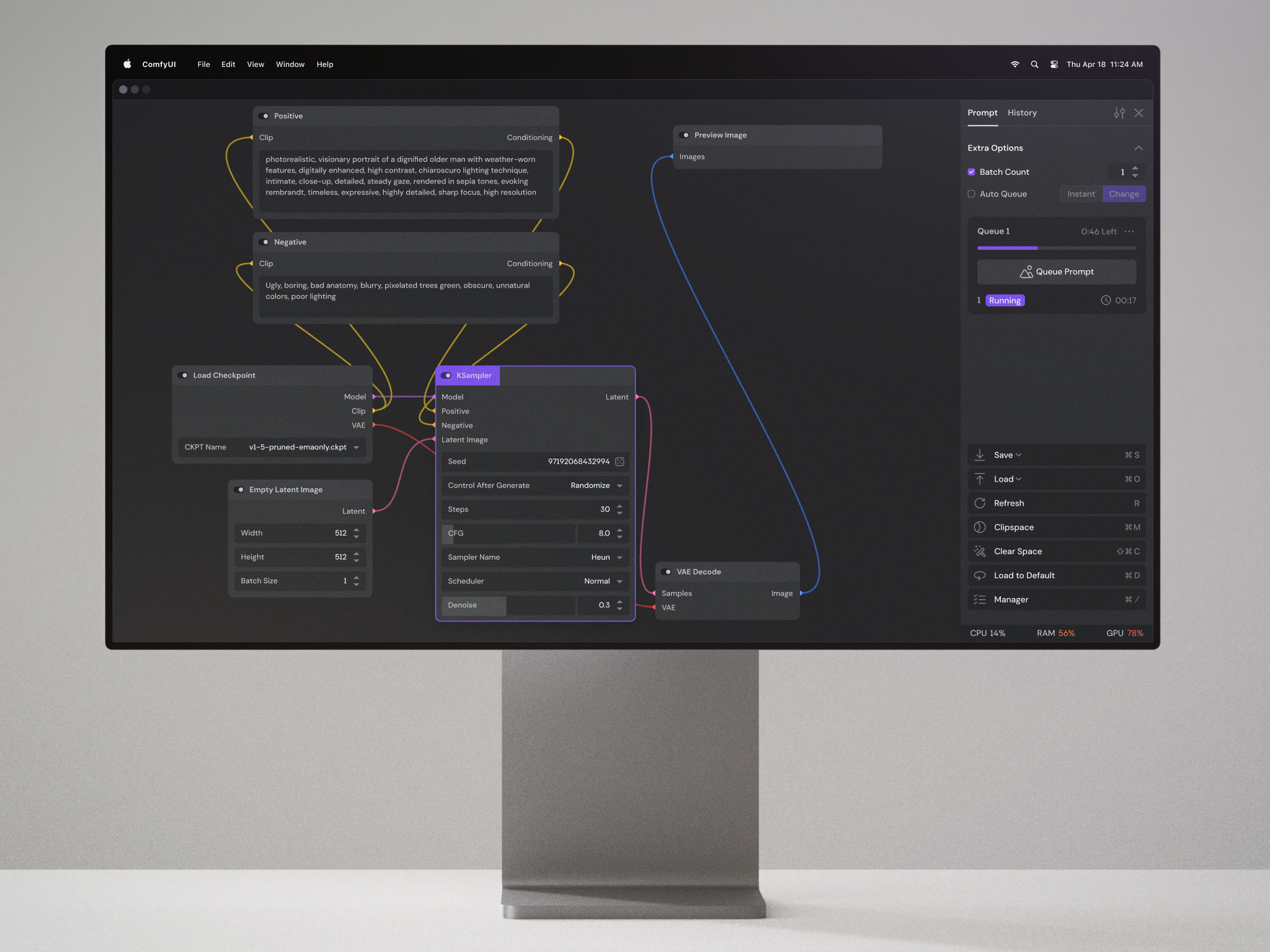
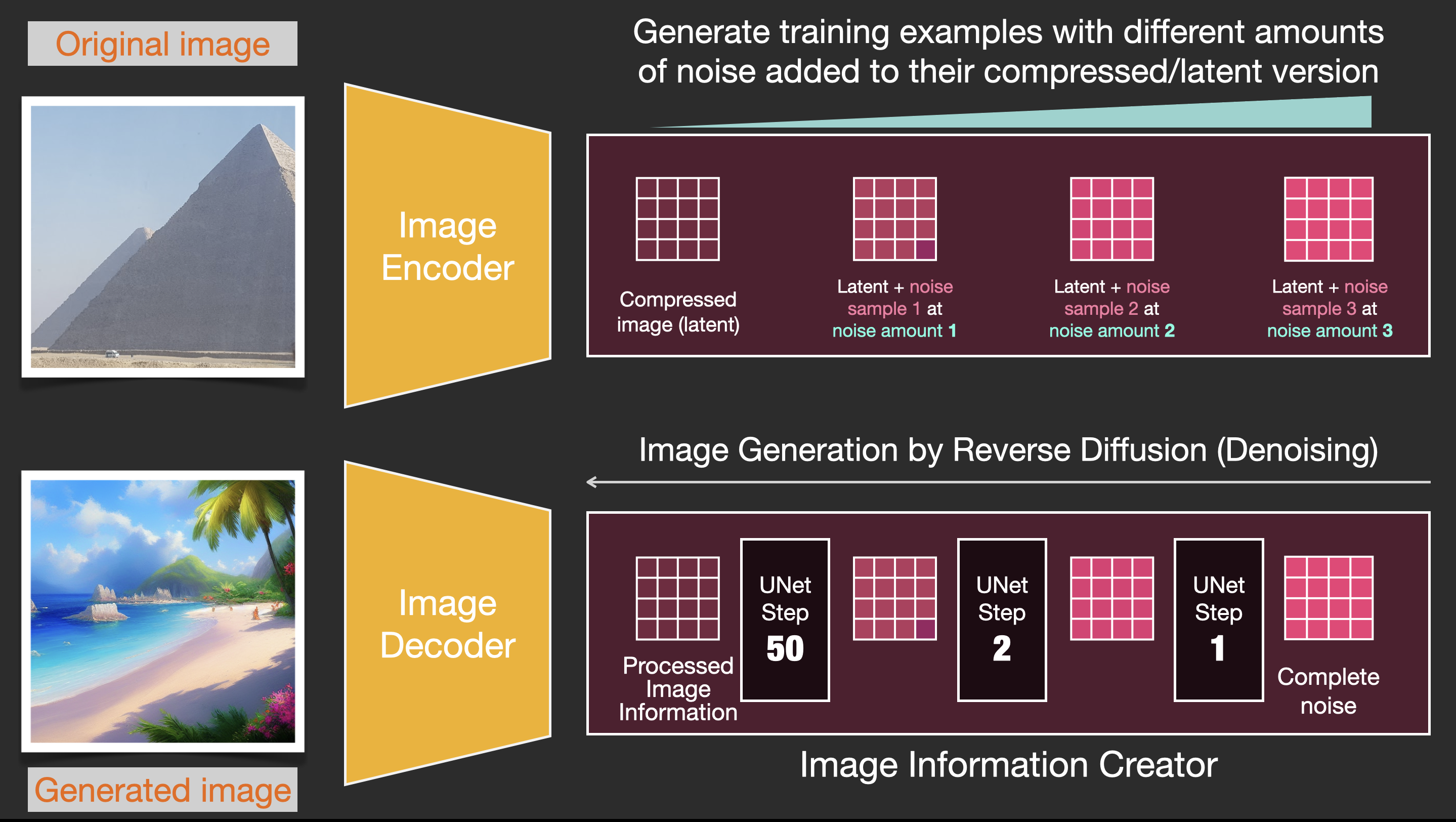
Stable Diffusion stands apart due to its open-source nature and deep customization options. Designers willing to invest time in learning benefit from unmatched flexibility.
Key capabilities include:
- Custom model training for consistent style
- Precise control over composition and detail
- Integration with external tools and pipelines
This tool is particularly appealing to studios, advanced freelancers, and technical designers who want AI outputs aligned with a specific aesthetic.
Leonardo AI
Leonardo AI targets designers who need both speed and consistency. It is increasingly popular for character design, game assets, and product visualization.
Designers often use it for:
- Reusable character and asset creation
- Maintaining visual consistency across projects
- Iterative refinement with saved presets
It offers more structure than open-source tools while retaining greater control than entry-level platforms.
AI drawing tools for real-world design tasks
AI drawing tools are most effective when applied to concrete design problems rather than abstract experimentation.
Concept development and ideation
Designers use AI to explore:
- Multiple visual directions quickly
- Unexpected interpretations of creative briefs
- Visual references without copyright risk
This phase benefits from speed and variation rather than precision.
Production support and enhancement
In later stages, AI assists with:
- Background generation
- Texture creation
- Image extension and cleanup
Tools like Firefly and Stable Diffusion are particularly strong in this area.
Branding and visual systems
Some AI tools can support branding work by:
- Testing visual language consistency
- Generating style-aligned visuals
- Assisting with mood boards and presentations
Human judgment remains essential, but AI accelerates exploration.
How designers should evaluate new AI drawing tools
When testing a new AI drawing platform, designers should focus on practical criteria rather than novelty:
- Control over style and output consistency
- Integration with existing workflows
- Licensing clarity for commercial projects
- Learning curve versus long-term value
Testing tools through small, real projects often reveals more than browsing galleries or demos.
Where AI drawing tools are heading next
The next evolution of AI drawing tools is likely to focus on:
- Deeper integration with design software
- Improved consistency across multiple images
- Better collaboration between human edits and AI generation
Rather than standalone platforms, AI drawing is becoming a layer embedded throughout the creative process.
A designer’s quiet advantage
The real advantage of testing AI drawing tools is not speed alone, but perspective. Designers who understand these tools gain the ability to visualize ideas faster, communicate concepts more clearly, and explore creative directions that might otherwise remain unseen. As AI drawing becomes a standard component of design work, familiarity becomes less about trend awareness and more about professional fluency.
