

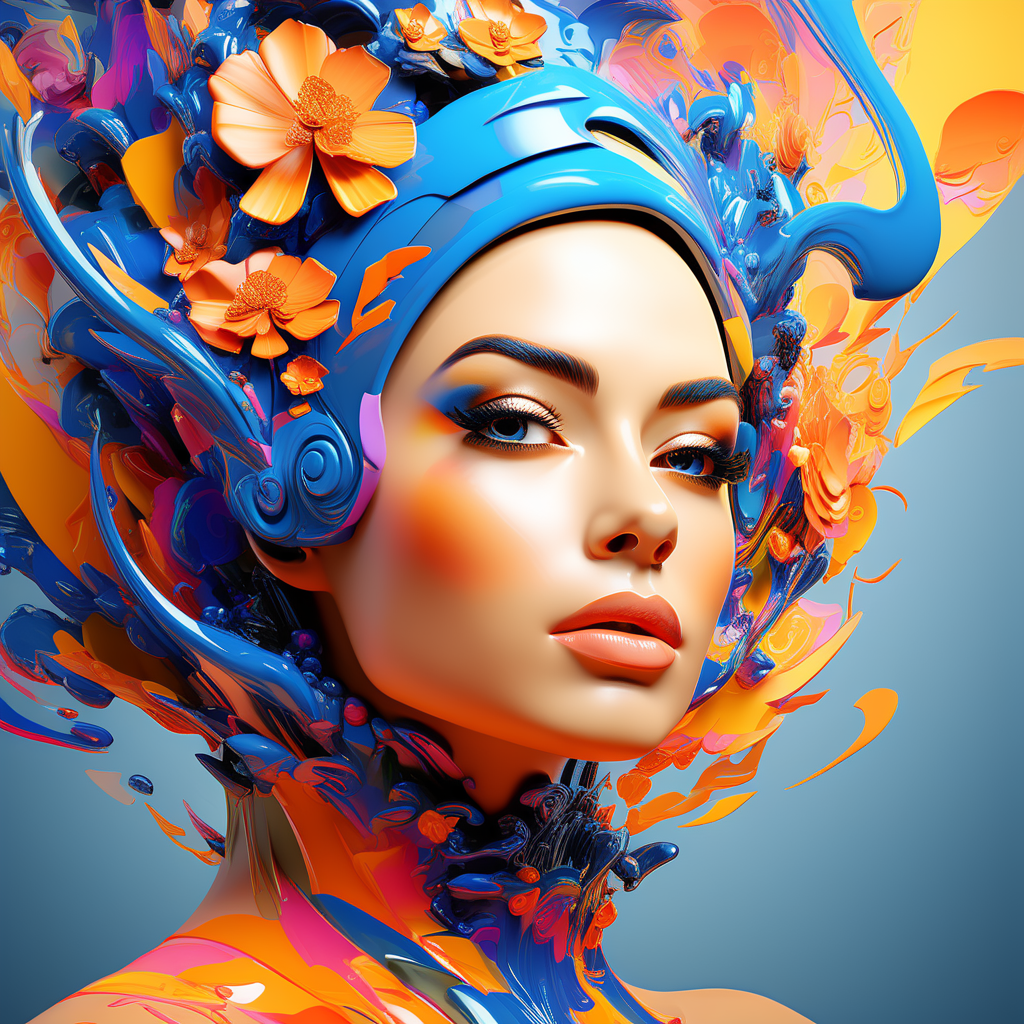


Best AI art generators for professionals
AI art generators have moved beyond novelty tools and into the daily workflows of designers, illustrators, marketers, and creative studios. What once produced experimental visuals now supports client-ready assets, iterative concept development, and production-scale illustration. For professionals, the question is no longer whether AI can create art, but which tools deliver consistency, control, and commercial reliability.
This guide examines the best AI art generators for professional use, focusing on image quality, customization, licensing clarity, workflow integration, and long-term usability. The goal is to help creatives choose tools that complement skill and intent rather than replace them.
What makes an AI art generator suitable for professionals
Professional use sets a higher bar than casual experimentation. The most important differences emerge in precision, scalability, and accountability.
High-resolution output is essential. Professionals need images that can be printed, cropped, and adapted across platforms without quality loss. Equally important is stylistic consistency, especially when generating series-based artwork, branding assets, or illustrations that must align with an established visual identity.
Control mechanisms also matter. Tools that allow prompt weighting, reference images, seed locking, and iterative refinement give artists predictable outcomes. Without these features, AI output remains random and difficult to reproduce.
Licensing transparency is another critical factor. Professionals must understand how generated images can be used commercially, whether exclusivity applies, and how training data policies affect ownership and risk. Finally, integration with existing workflows, including design software and asset pipelines, determines whether a tool saves time or introduces friction.
Categories of AI art generators for professional work
AI art generators fall into several functional categories. Understanding these distinctions helps narrow down the right solution.
Prompt-driven image generators
These tools rely on detailed text prompts to produce images. They are ideal for concept art, ideation, and exploratory visuals. Advanced versions allow prompt weighting, negative prompts, and fine-grained control over composition and style.
Style-consistent generators
Some platforms specialize in maintaining visual coherence across multiple generations. These are particularly valuable for branding, character design, and long-term projects where consistency matters more than novelty.
Hybrid AI design platforms
Hybrid tools combine AI generation with traditional editing features. They allow users to refine AI outputs directly within a design environment, blending automation with manual control.
Model customization and training tools
For advanced users, some generators offer custom model training or style embedding. These are best suited for studios and professionals who want AI to reflect a specific artistic language or brand aesthetic.
Leading AI art generators used by professionals
The following tools are widely adopted by designers, illustrators, and creative teams due to their reliability and depth of control.
Midjourney for concept development and visual exploration
Midjourney is known for producing visually striking, artistic images that excel in mood, lighting, and composition. Professionals often use it during early-stage ideation, concept pitching, and visual exploration.
Strengths include:
- High aesthetic quality with cinematic results
- Strong understanding of artistic styles and visual metaphors
- Rapid iteration for brainstorming and mood boards
Limitations include less direct integration with traditional design software and limited native editing tools. It works best as a concept generator rather than a final production environment.
Stable Diffusion-based platforms for maximum control
Stable Diffusion ecosystems are favored by professionals who want deep customization. Many platforms built on this model allow local deployment, custom checkpoints, and fine-tuned control over outputs.
Strengths include:
- Ability to train custom models or styles
- Advanced parameter control for reproducibility
- Flexible deployment options for privacy-sensitive projects
These tools require a steeper learning curve, but they reward experienced users with unmatched flexibility and long-term scalability.
Adobe Firefly for commercial safety and workflow integration
Adobe Firefly is designed with professional creatives in mind, particularly those working in commercial environments. Its strongest advantage lies in licensing clarity and seamless integration with established design tools.
Strengths include:
- Commercially safe training approach
- Native integration with professional design workflows
- Predictable, clean output suited for marketing and branding
Firefly prioritizes reliability over experimental flair, making it suitable for client-facing work where consistency and compliance are critical.
DALL·E for controlled illustration and ideation
DALL·E is often used by professionals who value clarity and structure over abstract expression. Its output tends to be literal, well-defined, and suitable for editorial or explanatory visuals.
Strengths include:
- Clear interpretation of prompts
- Useful for diagrams, illustrations, and conceptual visuals
- Accessible interface with minimal setup
While it may not match the artistic depth of other tools, it performs well in structured creative tasks.
Runway for creative production and multimedia workflows
Runway stands out for professionals working across image, video, and motion graphics. It blends AI generation with editing capabilities, making it a strong choice for multimedia creators.
Strengths include:
- Integrated editing and generation environment
- Support for image-to-image and video-based workflows
- Useful for content creators and creative agencies
Runway excels where AI output needs to be refined, animated, or incorporated into larger production pipelines.
Choosing the right tool based on professional goals
No single AI art generator fits every professional use case. Selection depends on priorities, experience level, and output requirements.
For branding and marketing teams, tools with licensing clarity and consistent output are often the safest choice. Designers focused on ideation and concept art may prioritize visual richness and speed over precision. Illustrators and studios working on long-term projects benefit most from customizable models and repeatable outputs.
Key evaluation questions include:
- Can the tool reproduce a specific style reliably?
- Does it support high-resolution and layered outputs?
- Are commercial rights clearly defined?
- How well does it integrate into existing workflows?
Answering these questions helps align tool capabilities with creative intent.
Best practices for professional AI art workflows
Professionals who get the most value from AI art generators treat them as collaborators rather than replacements. Effective workflows combine human judgment with machine efficiency.
Using reference images improves accuracy and consistency. Iterative prompting, where outputs are refined through multiple passes, yields better results than one-off generations. Maintaining prompt libraries and parameter presets helps standardize output across projects.
Equally important is post-processing. AI-generated images often require color correction, compositional adjustments, or manual refinement before they meet professional standards. Viewing AI as the first draft rather than the final product leads to higher-quality outcomes.
Ethical and legal considerations for professional use
Professional adoption also brings responsibility. Understanding how models are trained, how data is sourced, and how outputs can be used is essential. Transparency protects both creators and clients.
Professionals should stay informed about licensing updates, regional regulations, and evolving norms around AI-generated content. Clear disclosure policies and ethical usage guidelines help maintain trust and long-term viability in creative industries.
Where AI art generators are heading
The next phase of professional AI art tools will likely focus on deeper personalization, tighter integration with creative software, and improved control over style persistence. As models become more adaptable, professionals will spend less time correcting outputs and more time directing creative vision.
In this landscape, the most valuable skill is not prompt writing alone, but knowing how to guide AI systems toward intentional, repeatable results. Professionals who master this balance will find AI art generators not as shortcuts, but as extensions of their creative process.
