
The rapid evolution of generative image models has transformed AI art from a novelty into a serious creative tool. By 2026, two names dominate most discussions among artists, designers, marketers, and hobbyists: Adobe Firefly and Midjourney.
Both are powerful, both are widely used, and both represent very different philosophies about how AI art should be created, controlled, and commercialized.
This comparison is designed for readers who may be new to AI drawing as well as those already experimenting with advanced workflows. Instead of chasing trends, it focuses on long-term value, real-world usability, and the creative implications of each platform in 2026.
The core idea behind each platform
Adobe Firefly’s creative philosophy

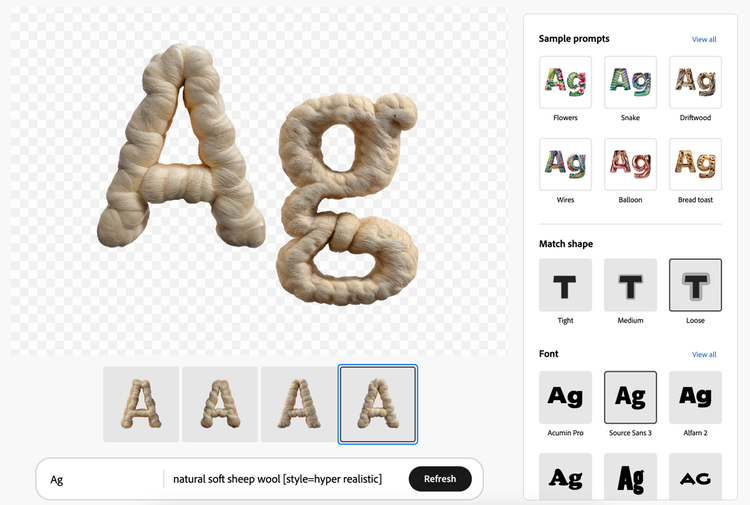
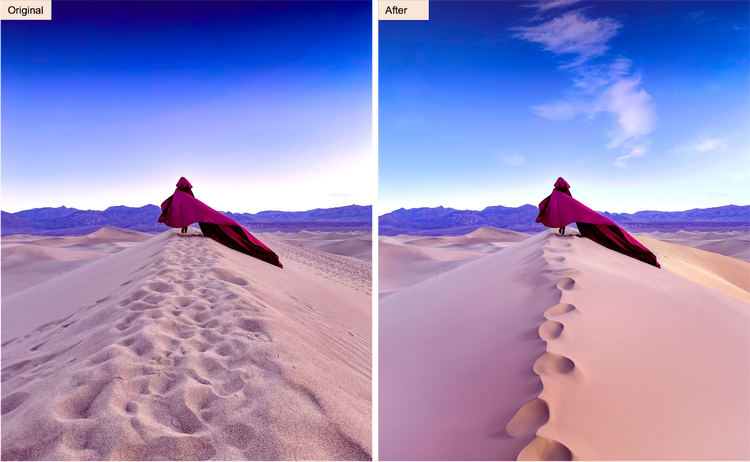
Adobe Firefly is built around one central idea: AI should fit seamlessly into professional creative workflows. Rather than existing as a standalone experiment, Firefly is deeply integrated into the Adobe ecosystem, especially Photoshop, Illustrator, and other Creative Cloud applications.
Its generative models are trained on licensed content, Adobe Stock assets, and public-domain material. This approach directly addresses long-standing concerns about copyright, ownership, and commercial safety.
Firefly positions itself less as a replacement for artists and more as a productivity multiplier. It emphasizes control, predictability, and compliance over surprise.
Midjourney’s artistic philosophy
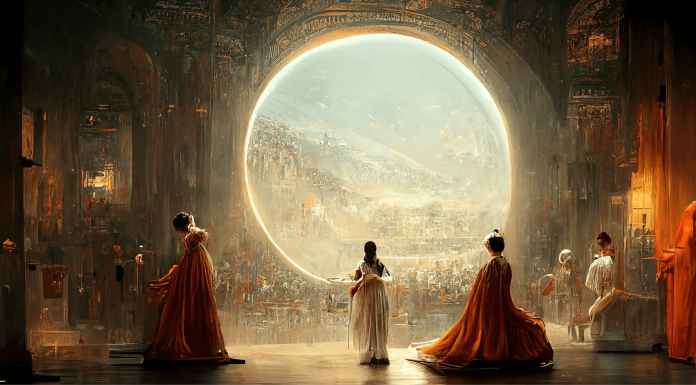
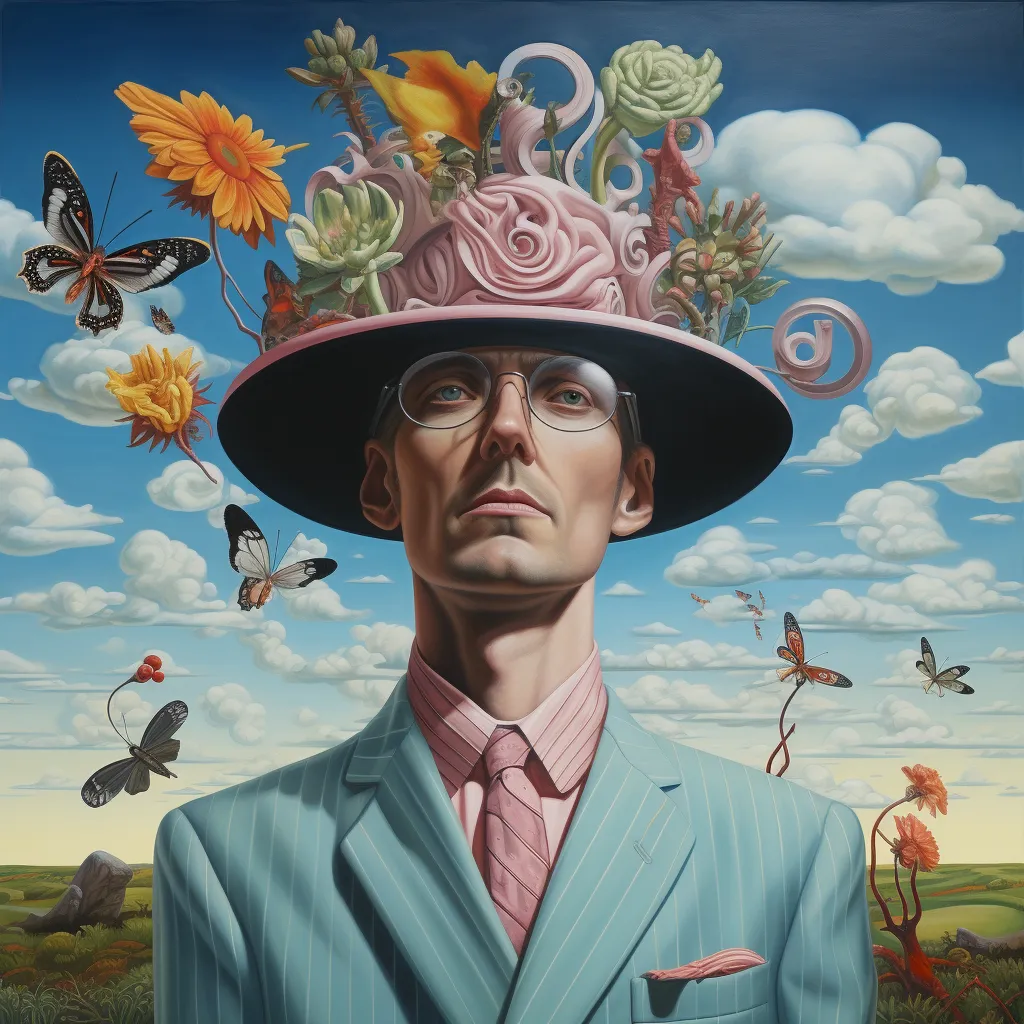
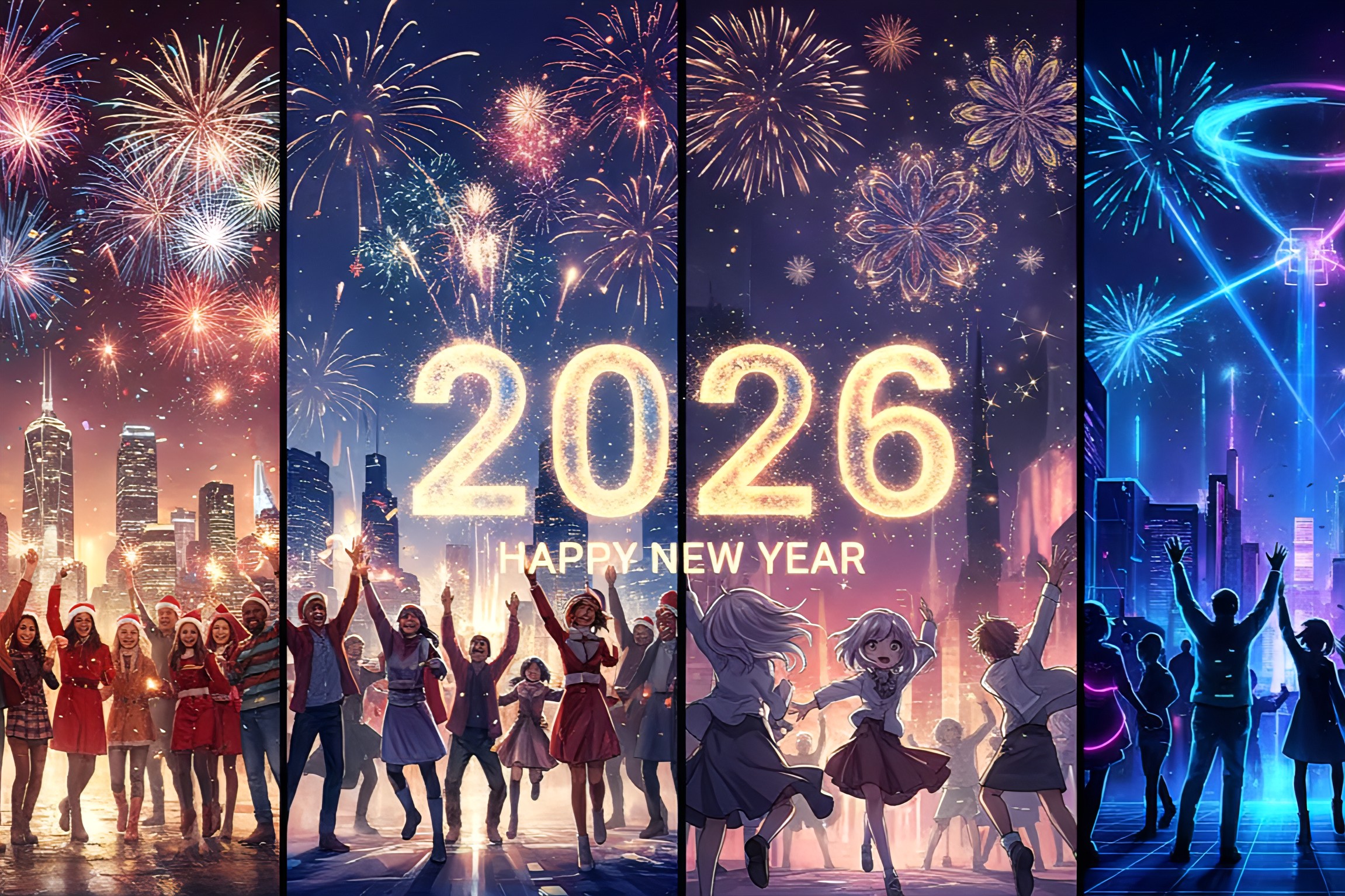
Midjourney takes almost the opposite approach. It is designed as an exploration engine for visual imagination. Instead of fitting into existing design software, it operates as its own creative universe, historically rooted in chat-based interaction and later expanded into more visual interfaces.
Midjourney’s strength lies in its ability to produce emotionally striking, stylistically bold images with relatively minimal effort. It rewards experimentation, metaphor, and ambiguity, often producing results that feel closer to digital painting than graphic design.
Where Firefly values control, Midjourney values discovery.
Image quality and artistic output
Visual realism vs artistic expression
In 2026, both platforms generate high-resolution images suitable for professional use, but their outputs differ in character.
Adobe Firefly excels at:
- Photorealistic images with consistent lighting and anatomy
- Clean compositions suitable for marketing, UI, and print
- Predictable results when refining variations
- Accurate text rendering within images
Midjourney excels at:
- Painterly, cinematic, or surreal compositions
- Dramatic lighting and emotional atmosphere
- Stylized characters and imaginative worlds
- Abstract interpretations of prompts
Firefly’s images tend to look “designed.” Midjourney’s images tend to look “painted.”
Consistency and iteration
For projects requiring brand consistency or repeated revisions, Firefly holds a clear advantage. Its integration with layers, masks, and non-destructive editing allows artists to refine AI-generated content with traditional tools.
Midjourney can iterate quickly, but consistency across a series of images often requires prompt engineering skill and multiple generations. This is acceptable for concept art or inspiration, but less ideal for strict production pipelines.
Ease of use and learning curve
Getting started as a beginner
Adobe Firefly is immediately approachable for users familiar with Adobe products. Text prompts are simple, settings are clearly labeled, and results can be edited visually without rewriting prompts.
Midjourney’s learning curve is steeper. New users must understand prompt structure, style modifiers, and iteration controls. While this complexity enables deeper creative control, it can initially feel opaque.
Advanced control for experienced users
As users gain experience, Midjourney’s prompt-based system becomes a creative advantage. Subtle wording changes can radically alter composition, mood, or style.
Firefly, by contrast, prioritizes stability over surprise. Advanced users benefit more from combining Firefly with manual editing rather than pushing the AI itself to extremes.
Workflow integration and professional use
Adobe Firefly in production environments
Firefly’s strongest advantage is its native integration into Creative Cloud. Designers can:
- Generate images directly inside Photoshop
- Use Generative Fill for object replacement and background extension
- Maintain layered files for client revisions
- Export assets in industry-standard formats
For agencies, publishers, and marketing teams, this integration reduces friction and saves time.
Midjourney as a standalone creative engine
Midjourney remains largely external to traditional design software. Images are generated, downloaded, and then imported into other tools for refinement.
This separation is not necessarily a weakness. Many artists use Midjourney specifically for:
- Concept art
- Mood boards
- Book covers and album art
- Experimental visual storytelling
It thrives in the early stages of creative ideation rather than final production.
Copyright, licensing, and commercial safety
Firefly’s licensing-first approach
Adobe Firefly is explicitly designed for commercial safety. Generated images can be used in:
- Advertising
- Client projects
- Print and merchandise
- Corporate branding
This reassurance matters for professionals who cannot risk legal ambiguity.
Midjourney’s licensing model
Midjourney allows commercial use under its paid plans, but its training data and stylistic outputs remain more controversial. While many businesses use Midjourney successfully, legal departments tend to prefer Firefly’s conservative stance.
In 2026, this distinction continues to influence adoption at scale.
Community, ecosystem, and inspiration
Midjourney’s creative community
Midjourney’s community is one of its greatest assets. Artists constantly share prompts, styles, and experiments, creating a living gallery of evolving aesthetics.
This communal creativity pushes visual trends forward and keeps the platform culturally relevant.
Adobe’s professional ecosystem
Adobe Firefly benefits from decades of industry trust. Tutorials, documentation, and enterprise support are extensive, but less experimental.
Firefly is less about artistic subcultures and more about standardized professional workflows.
Performance, speed, and scalability
Both platforms are fast in 2026, but their performance priorities differ.
Firefly focuses on reliability and predictable rendering times, especially within professional software environments.
Midjourney prioritizes rapid iteration and creative exploration, sometimes at the cost of consistency during peak usage.
For solo creators, speed differences are negligible. For teams, Firefly’s stability becomes more valuable.
Who should choose Adobe Firefly in 2026
Adobe Firefly is best suited for:
- Graphic designers and marketers
- Agencies handling client work
- Businesses requiring legal clarity
- Creators focused on productivity and consistency
- Users already embedded in Adobe Creative Cloud
It is less about pushing artistic boundaries and more about making AI art practical, safe, and efficient.
Who should choose Midjourney in 2026
Midjourney is ideal for:
- Digital artists and illustrators
- Concept designers and storytellers
- Creators seeking unique visual styles
- Hobbyists exploring AI art as expression
- Anyone prioritizing creativity over predictability
It remains one of the most inspiring tools for visual experimentation.
A different way to frame the “winner”
Rather than declaring a single winner, it is more accurate to see Adobe Firefly and Midjourney as two different answers to the same question: what role should AI play in art?
Firefly treats AI as a trusted assistant inside professional design systems.
Midjourney treats AI as a creative collaborator that challenges human imagination.
In 2026, the most compelling creators are often those who understand both approaches and choose the right tool for the right moment, sometimes even combining them into a single workflow.
